USDT TRC20 vs ERC20: what's the difference?
TRC20 and ERC20 are both USDT, on two different networks. How their addresses, fees and speed differ, and how to pick the one your wallet uses.
5 stepsReading time: about 3 minutes
Step by step
Step 1 Know that both are USDT
USDT exists on several networks, for example Tron and Ethereum. TRC-20 and ERC-20 are the token standards of these two networks: USDT (TRC-20) is USDT on Tron, USDT (ERC-20) is USDT on Ethereum. The coin is the same, but each network keeps its own record: USDT sent on Tron stays on Tron.
Step 2 Tell the addresses apart
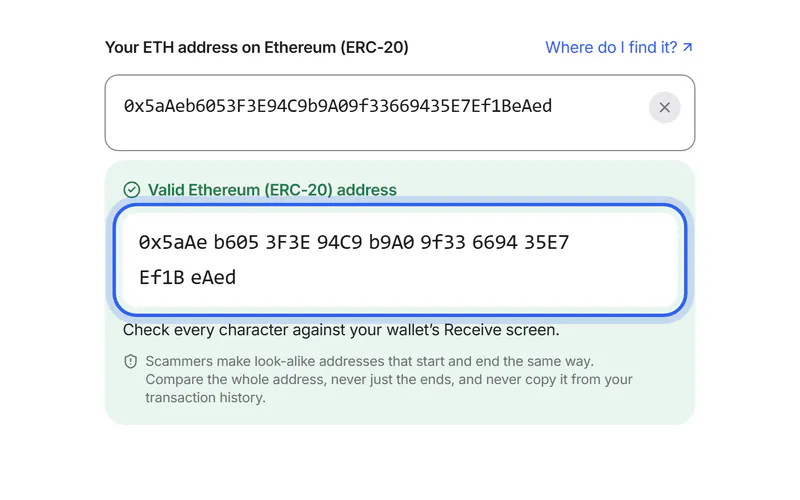
Tron addresses start with T and have 34 characters; Ethereum addresses start with 0x and have 42. Other networks use 0x addresses too, for example Polygon, Arbitrum and BEP-20. So 0x alone doesn't prove Ethereum: your wallet tells you the network.
Step 3 Compare fees and speed
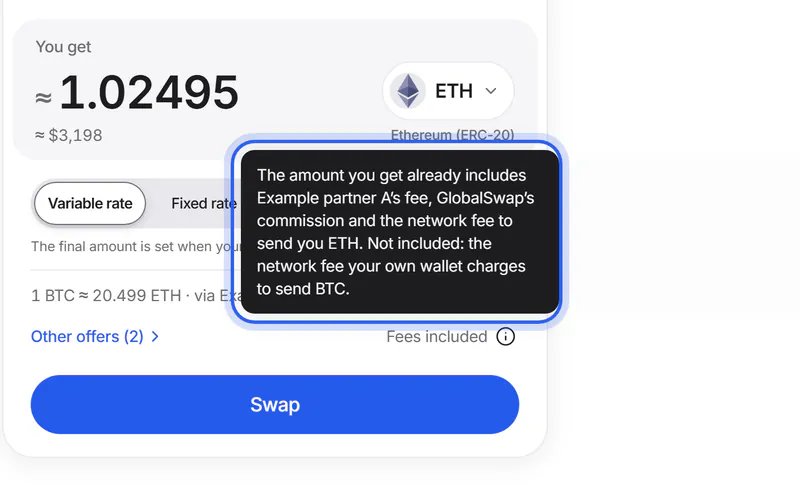
When you send from a wallet, the network fee is usually paid in the network's own coin: TRX on Tron, ETH on Ethereum. Fees on both networks change over time; on Ethereum they rise when the network is busy. Transfers on both usually confirm within minutes.
Step 4 Check what your wallet or exchange supports
Open Receive (on an exchange: Deposit) for USDT. The networks listed there are the ones it supports; the address shown belongs to the network you picked. An exchange that lists only one network for USDT accepts only that one.
Simplified drawing. Your wallet or exchange looks different. Step 5 Choose the same network on GlobalSwap
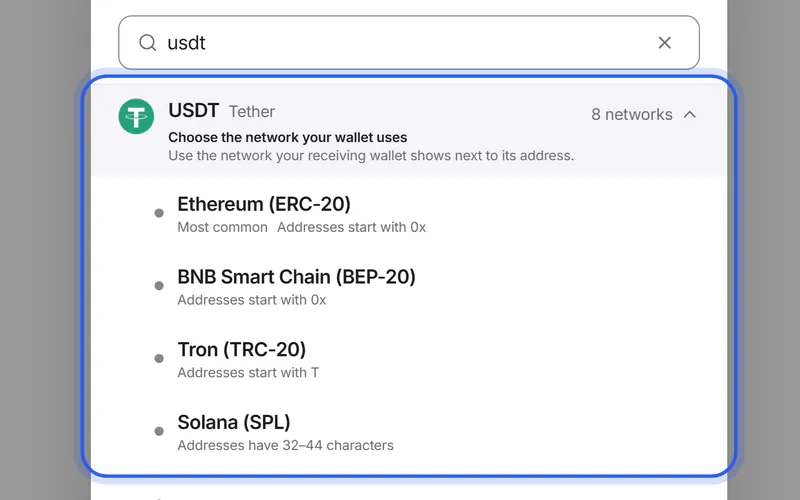
Tap the coin under “You get”, search for USDT and pick the network your wallet uses: Tron (TRC-20) or Ethereum (ERC-20). The address field then names it, for example “Your USDT address on Tron (TRC-20)”. If your address looks like another network's, we say so and offer to switch.
If something goes wrong
If you need USDT on the other network
A swap moves it: choose USDT on Tron under “You send” and USDT on Ethereum under “You get”, or the other way round.
Move USDT from TRC20 to ERC20If you already sent USDT on the wrong network
Don't send more. Where the coins are now depends on the address you sent them to, and on who controls it.
What to do nowWas this helpful?
We only count the answer. No cookies, nothing personal.
Last updated October 19, 2026