Move USDT from TRC20 to ERC20
One swap moves your USDT from Tron (TRC-20) to Ethereum (ERC-20), or between other networks, without a bridge. Here's how, step by step.
6 stepsReading time: about 3 minutes
Step by step
Step 1 Choose USDT on Tron (TRC-20) under “You send”
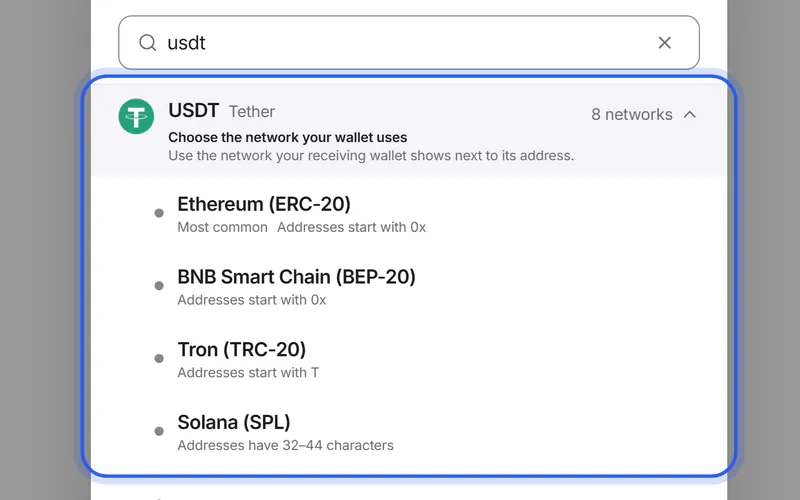
Tap the coin under “You send” and search for USDT. In the list “Choose the network you send from”, pick Tron (TRC-20).
Step 2 Choose USDT on Ethereum (ERC-20) under “You get”
Tap the coin under “You get”, search for USDT again and pick Ethereum (ERC-20) in the list “Choose the network your wallet uses”. For another network, pick that one instead, for example BEP-20, Solana or TON.
Step 3 Enter the amount and check the offer
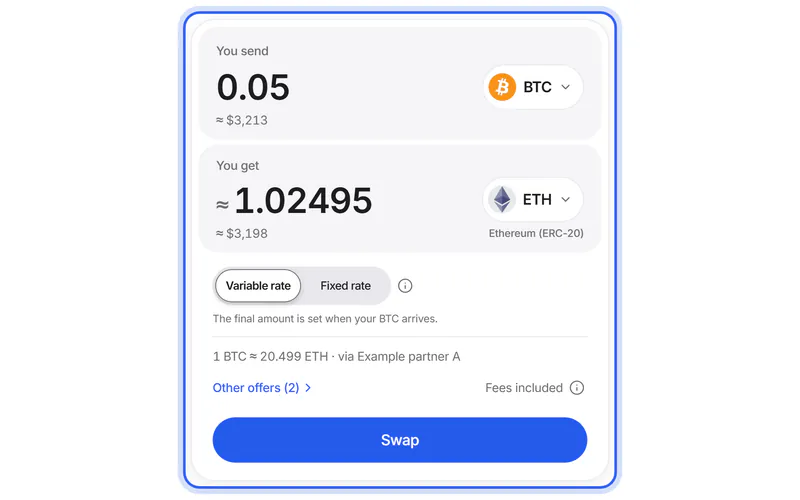
Type how much USDT you send. “You get” shows what you receive on Ethereum, with every swap fee already taken out, including the network fee for sending it to you. Compare under “Other offers” if you like, then tap “Swap”.
Step 4 Add your Ethereum address
On the Swap details page, paste the address your wallet shows for USDT on Ethereum; it starts with 0x. The field is labelled “Your USDT address on Ethereum (ERC-20)”. Add a refund address too: your own address for USDT on Tron.
Simplified drawing. Your wallet or exchange looks different. Step 5 Create the swap and send USDT on Tron
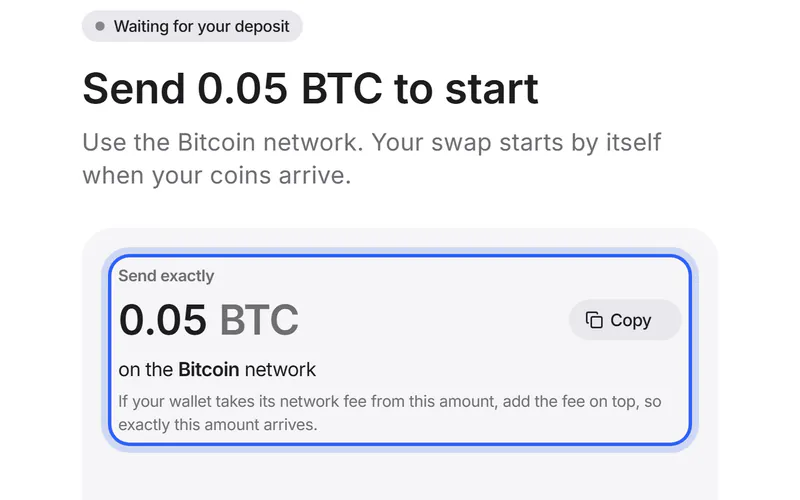
Tick “I checked the address and the network” and tap “Create swap”. Then send exactly the amount under “Send exactly” to the address under “To this address”, on Tron. Your wallet charges its network fee, usually in TRX.
Simplified drawing. Your wallet or exchange looks different. Step 6 Get your USDT on Ethereum
The partner swaps your USDT and sends it on Ethereum to your address. Your swap's page shows each step and links to the transaction when the partner reports it.
If something goes wrong
If you're not sure which network you need
Look at the network your receiving wallet or exchange shows next to its USDT address, and choose that one under “You get”.
USDT TRC20 vs ERC20If you see no offers
Your amount may be below the minimum or above the maximum, or no partner offers this move right now. Try another amount, or check which partners are answering.
Partner statusIf you sent USDT on the wrong network
Don't send more. Keep the transaction ID: what you can do depends on where the coins went and who controls that address.
What to do nowWas this helpful?
We only count the answer. No cookies, nothing personal.
Last updated October 19, 2026