Fees explained
What you pay, what is already taken out of the amount you see, and what isn't.
4 stepsReading time: about 2 minutes
Step by step
Step 1 Look at “You get”
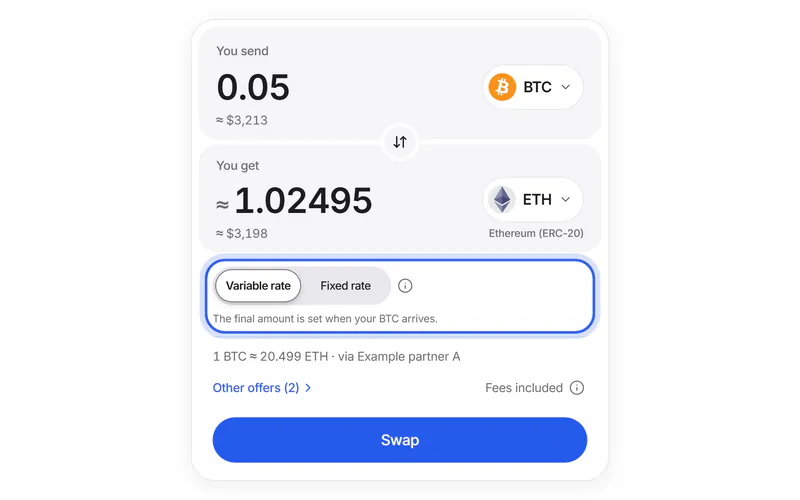
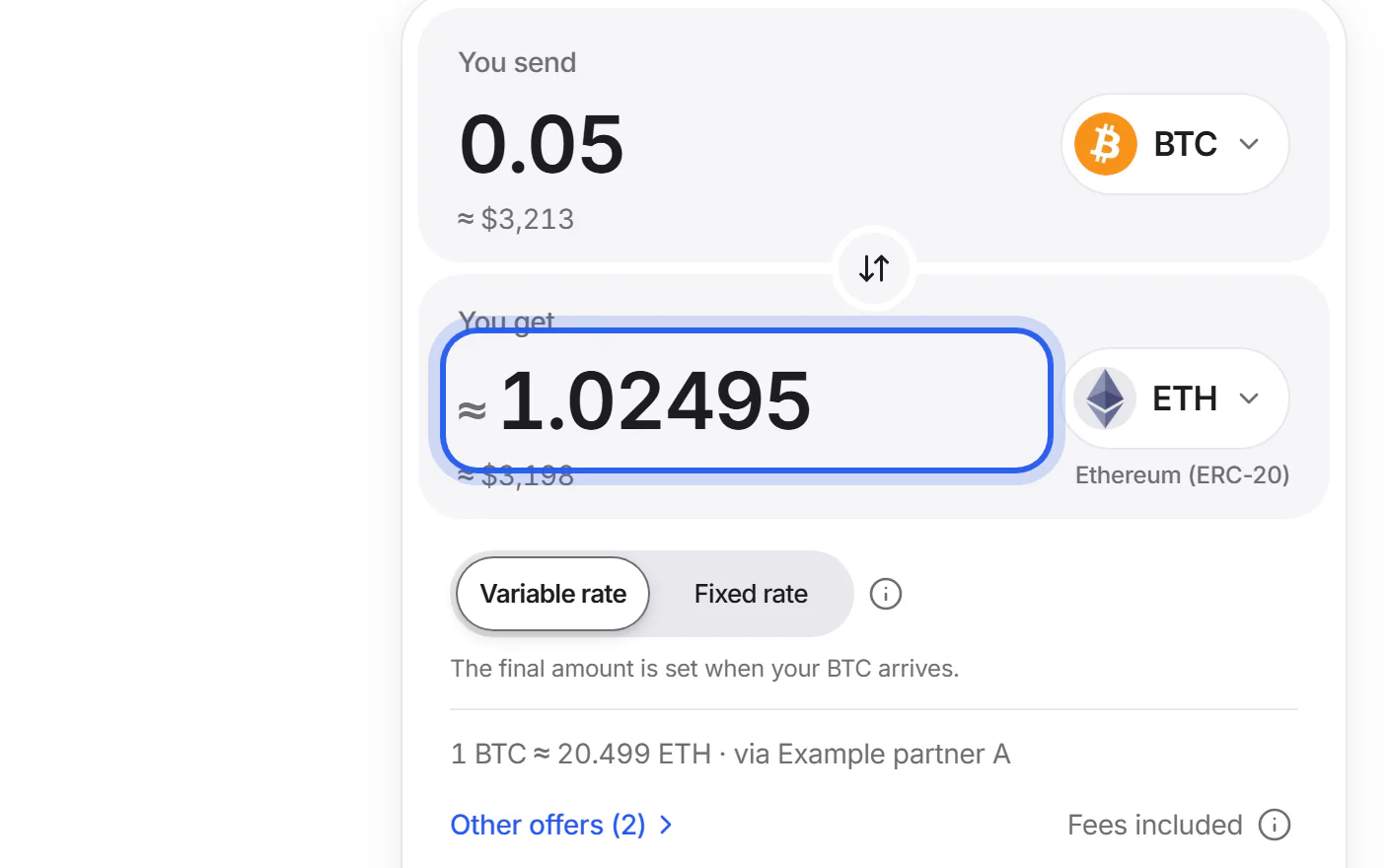
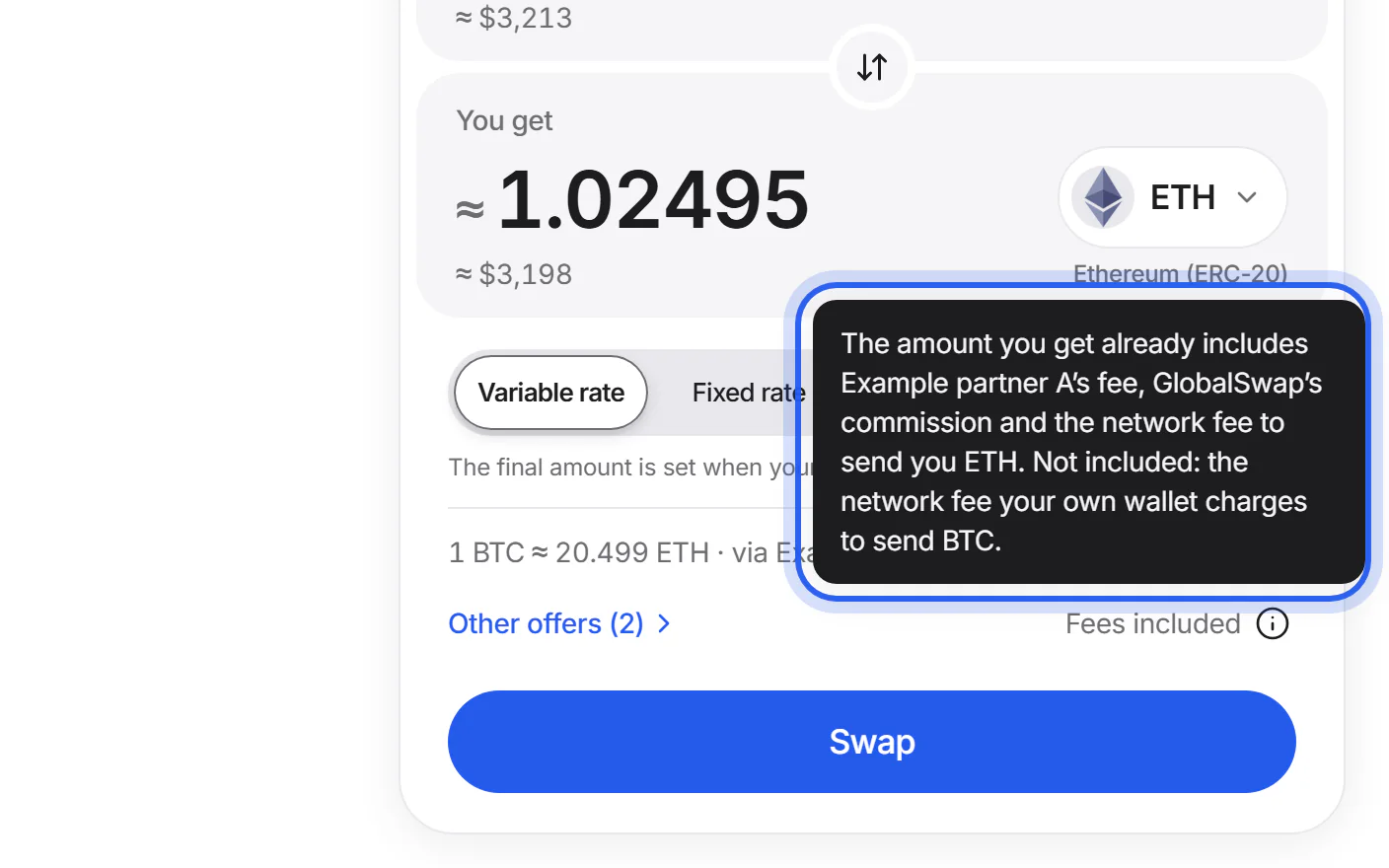
The amount under “You get” is what the partner will send you, with every swap fee already taken out. With a variable rate, it is an estimate until your coins arrive.
Step 2 See what's included
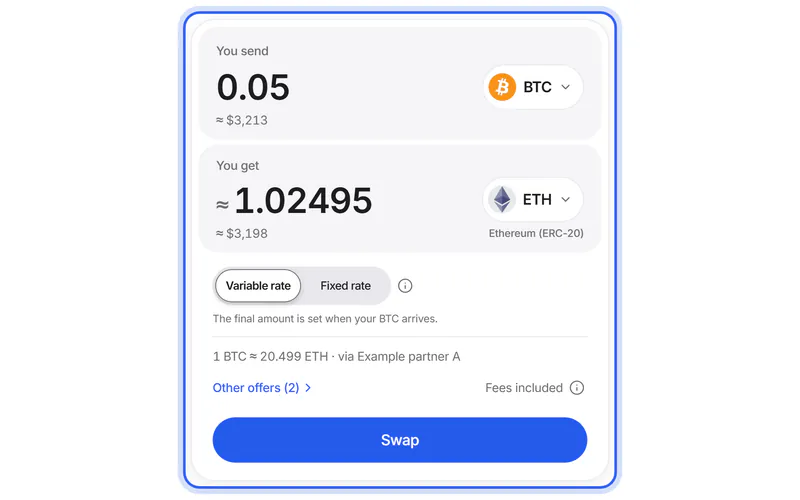
Tap “Fees included” on the swap card. It lists what is taken out: the partner's fee, our commission and the network fee to send you your new coins.
Step 3 Your wallet's fee comes on top
Your wallet charges a network fee when you send your coins. It isn't part of the swap; your wallet shows it before you confirm.
Simplified drawing. Your wallet or exchange looks different. Step 4 Compare offers by what you get
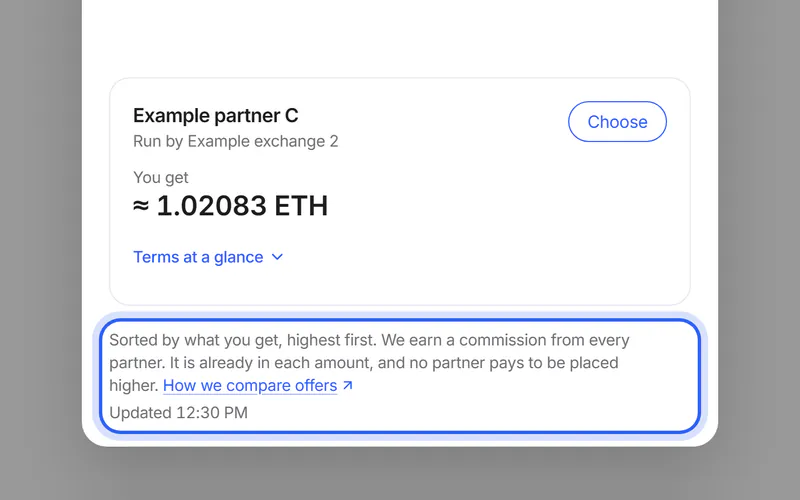
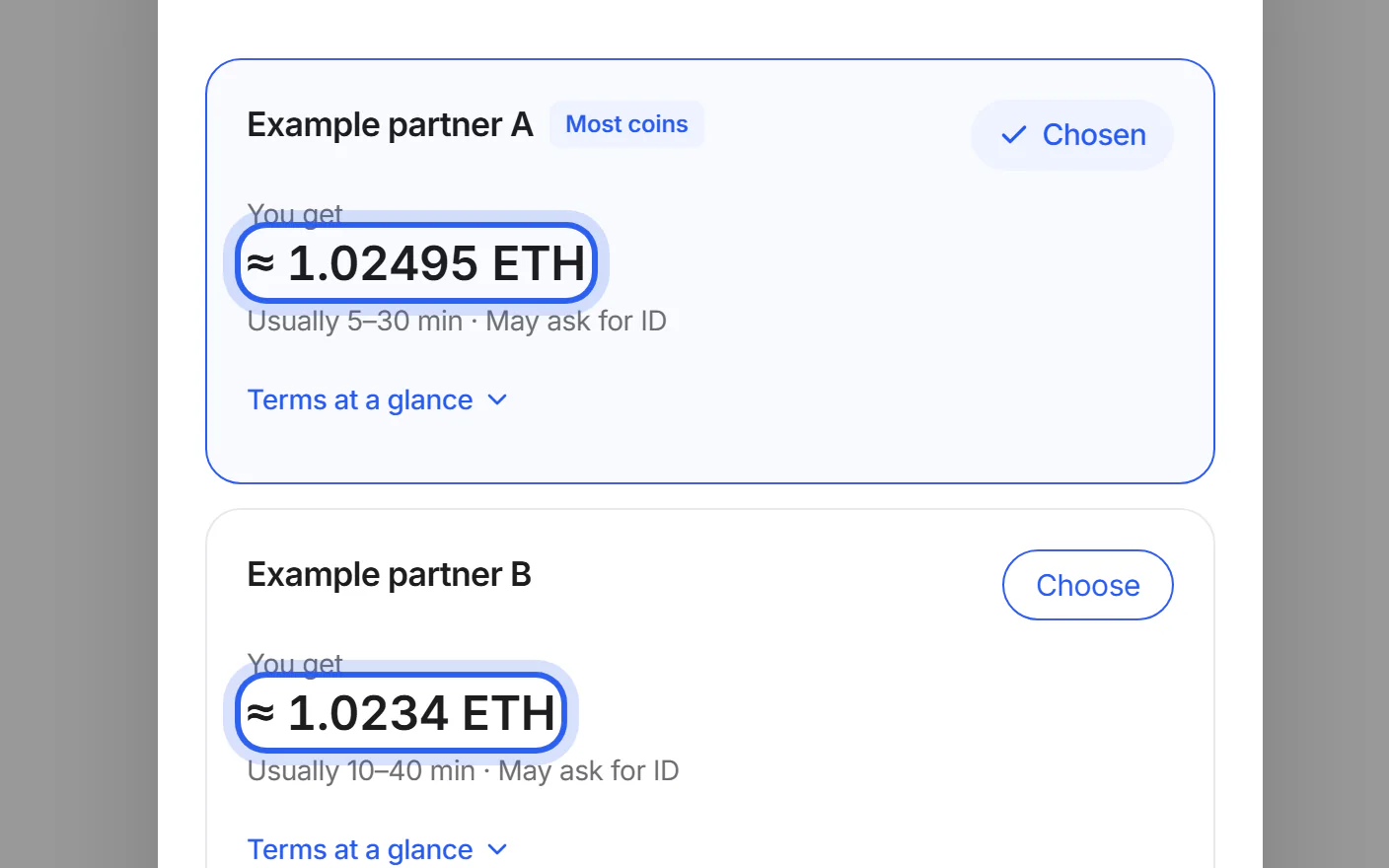
Under “Other offers”, offers are sorted by what you get, highest first. Our commission is inside every offer, and no partner pays to be placed higher.


If something goes wrong
If the amount changed before you created the swap
Prices move. Before you create the swap, we show any drop for a fixed rate, and drops over 0.3 % for a variable rate. You decide.
If you received less than the estimate
On a variable rate, the final amount is set when your coins arrive, so it can differ a little. The receipt shows the final rate.
Variable or fixed rate?Was this helpful?
We only count the answer. No cookies, nothing personal.
Last updated October 17, 2026
Pictures show an example partner and example amounts.