USDT sent on the wrong network — what now?
Where coins sent on the wrong network end up, who can still reach them, and what you can do now.
6 stepsReading time: about 3 minutes
Step by step
Step 1 Don't send more
Coins sent again the same way end up in the same place. Stop, and find out where the first transfer went.
Step 2 Find the transaction
In the wallet or exchange account you sent from, open the transfer and copy its transaction ID. A block explorer for the network you used shows the address the coins went to.
Step 3 See who controls that address
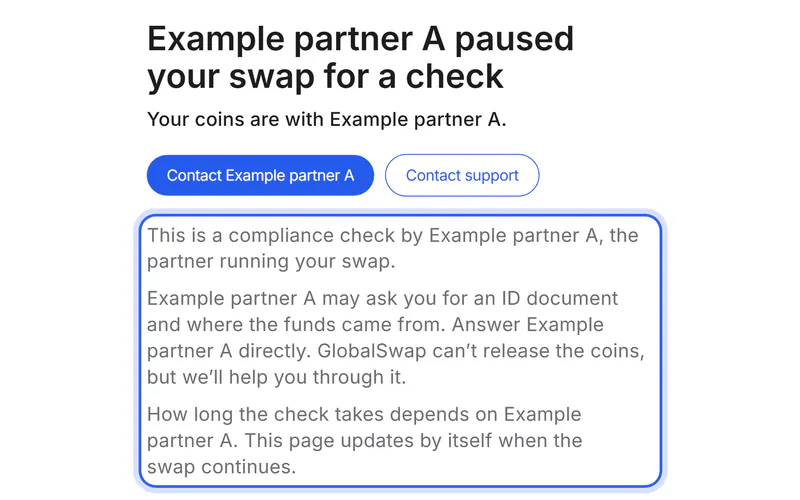
Coins stay on the network they were sent on, at the address they were sent to. Only whoever controls that address can move them: you, an exchange or the partner of a swap.
Step 4 Your own wallet: add that network
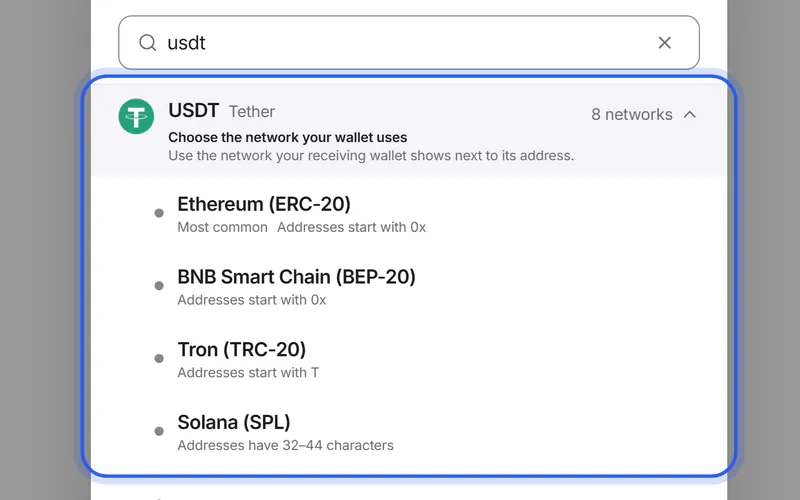
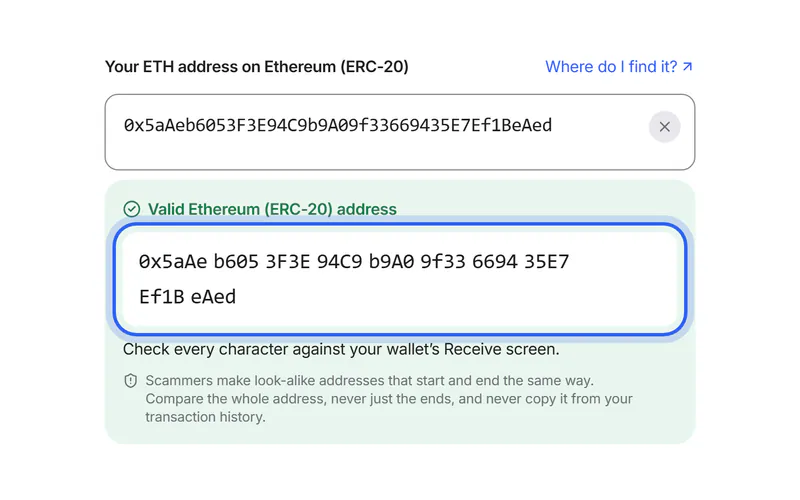
If the address is in a wallet you control with a seed phrase, the coins are usually still yours. Networks with 0x addresses, such as Ethereum, Polygon and BEP-20, share them: add the network you used, and the same address shows the coins. To move them, you need a little of that network's own coin for the fee.
Simplified drawing. Your wallet or exchange looks different. Step 5 An exchange account: contact the exchange
If the address belongs to an exchange account, only that exchange can help. Contact its support through its own app or website, with the transaction ID, the network, the coin and the amount. Some exchanges can recover such deposits, often for a fee; others can't.
Step 6 A swap's deposit: ask us
If the coins were the deposit for a swap, the address belongs to the partner, and only the partner can check it. Tap “Contact support” on your swap's page and add the transaction ID: we help you reach the partner.
If something goes wrong
If your new coins reached an exchange on a network it doesn't credit
The partner sent them on the network you chose under “You get”, to the address you entered. Only your exchange can credit them: contact its support with the transaction ID from your swap's page.
If you want the coins on another network
If they're in your own wallet, a swap can move them. Choose the coin under “You send” on the network it's on, and the network you need under “You get”.
Move USDT from TRC20 to ERC20If someone offers to recover your coins
Be careful: anyone who asks for a payment or your seed phrase to recover coins is usually a scammer. Contact support only through the exchange's own website, or ours.
Stay safeWas this helpful?
We only count the answer. No cookies, nothing personal.
Last updated October 19, 2026