Find your wallet address
Where to find the address that receives your new coins, and how to check it before you continue.
4 stepsReading time: about 3 minutes
Step by step
Step 1 Open Receive for the right coin
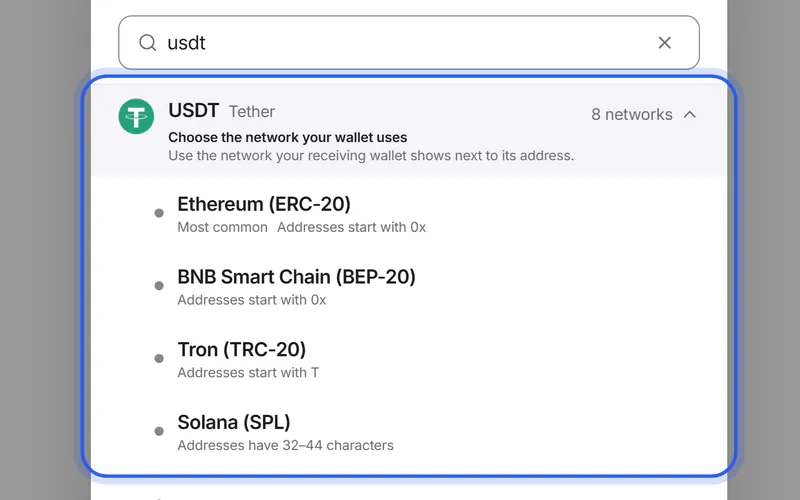
In your wallet app or exchange account, choose the coin you want to get and tap Receive. Some apps call it Deposit. If the app asks for a network, choose the one you'll pick for your swap.
Simplified drawing. Your wallet or exchange looks different. Step 2 Copy the address
Use the app's copy button. Don't type the address by hand, and don't copy it from an earlier transaction in your history.
Simplified drawing. Your wallet or exchange looks different. Step 3 Paste it on the Swap details page
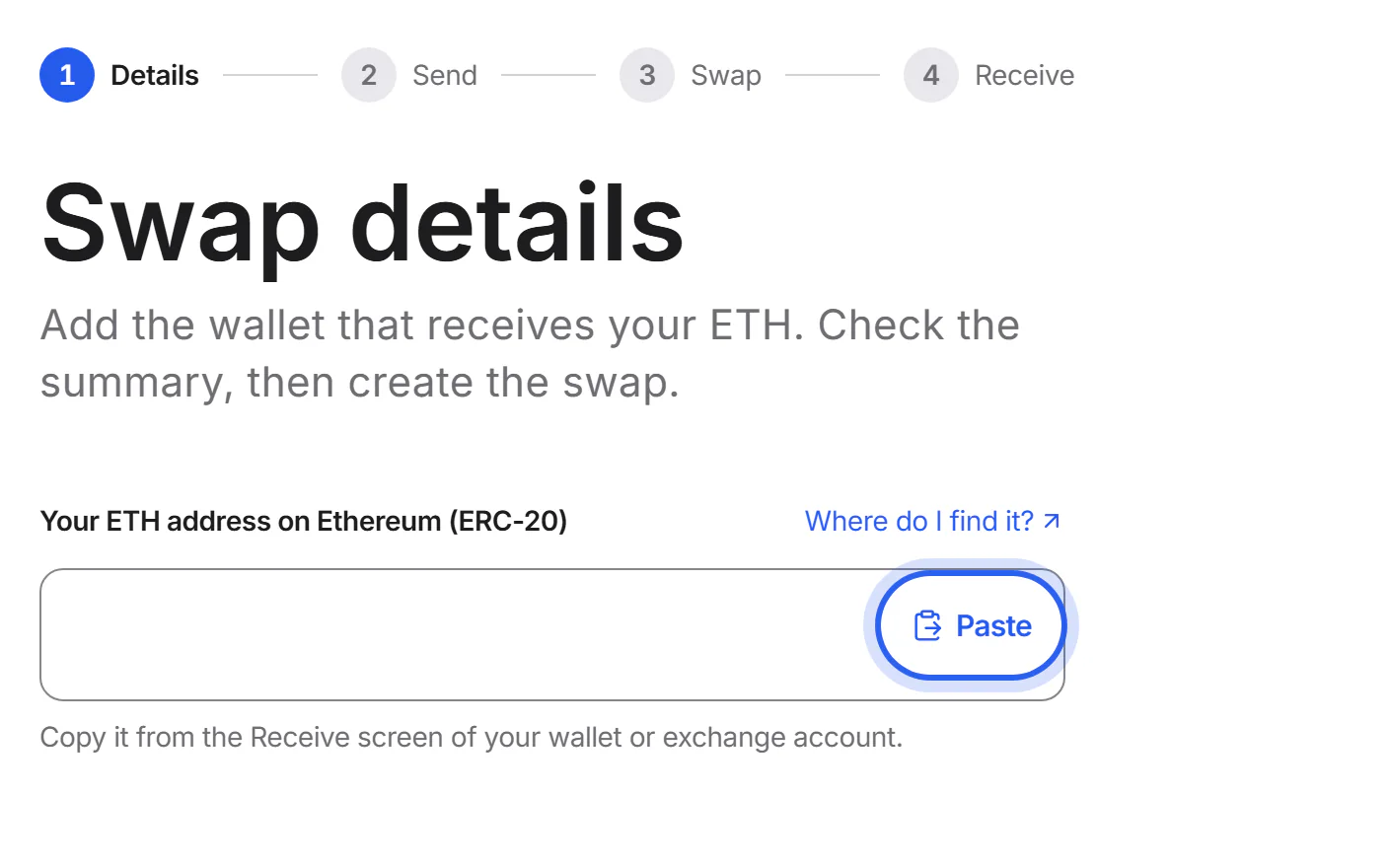
Tap “Paste” in the address field. If the copied text contains spaces or invisible characters, we remove them and tell you.
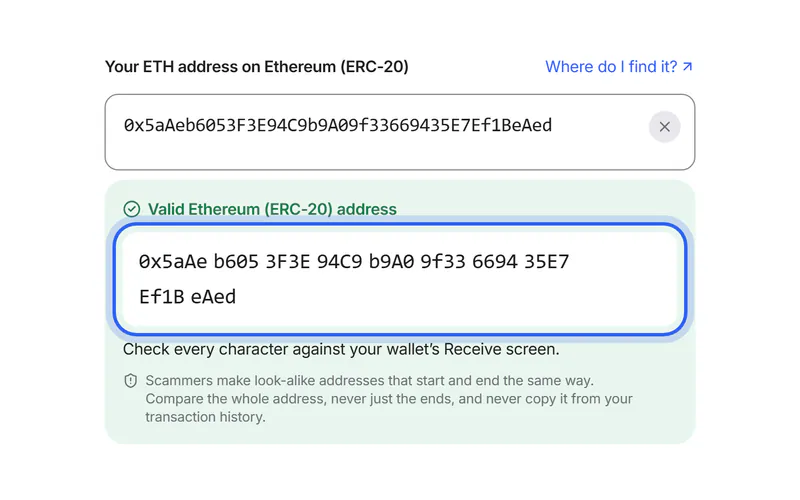
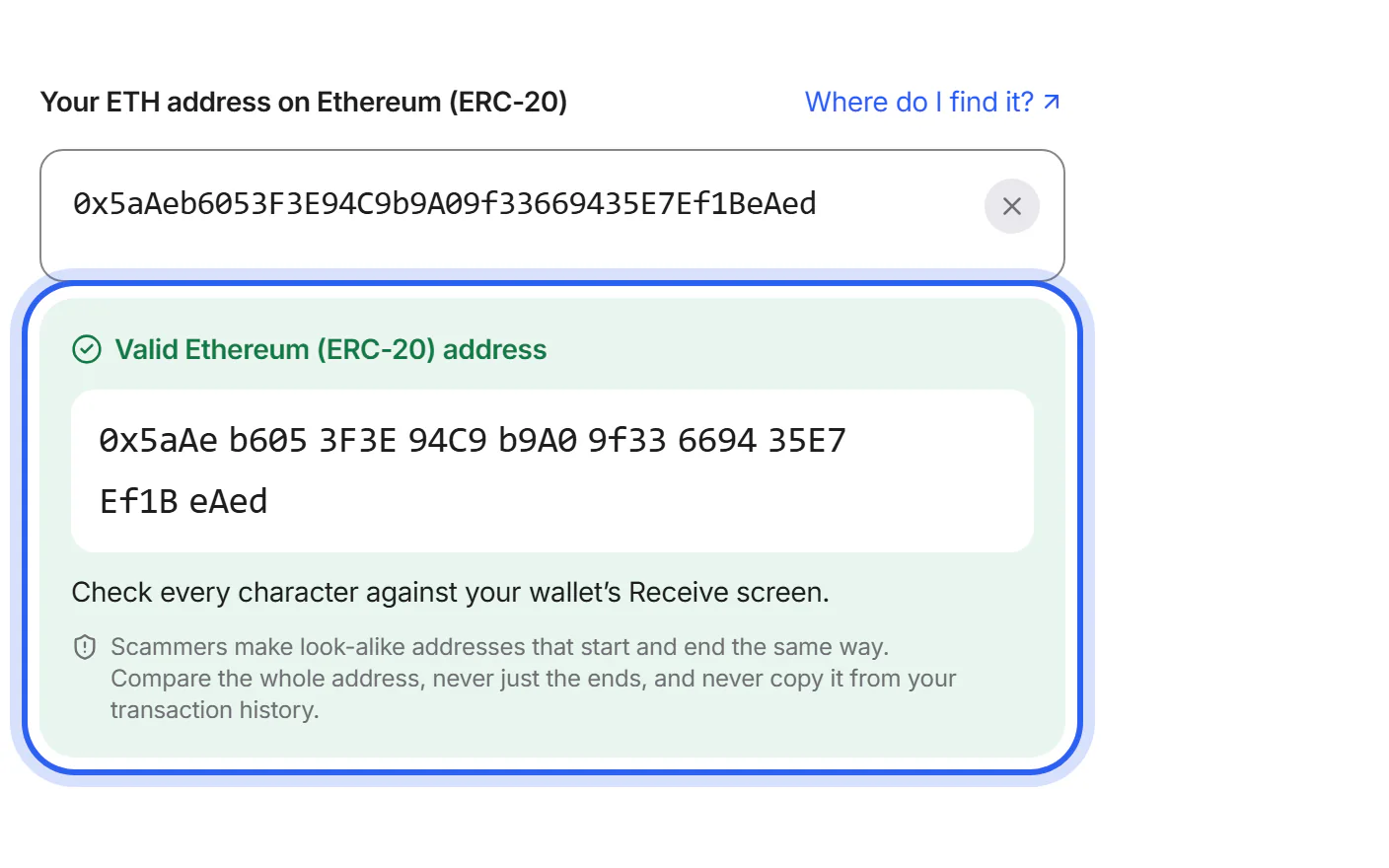
Step 4 Check every character
We show the address in groups of four characters. Compare every group with your wallet, not just the start and the end.


If something goes wrong
If we say the address isn't valid
Make sure you copied the address for the right coin and network, and that nothing is missing at the start or the end. Then paste it again.
If we say it's a token contract
You pasted the address of the token itself, not of your wallet. Copy the address from your wallet's Receive screen instead.
If the pasted address differs from the one you copied
Stop. Malicious software can replace copied addresses with look-alikes. Don't continue: scan your device with a trusted security app, or use another device you trust.
Stay safeWas this helpful?
We only count the answer. No cookies, nothing personal.
Last updated October 16, 2026
Pictures show an example partner and example amounts.