Make your first swap
From choosing two coins to the moment your new coins arrive, step by step.
8 stepsReading time: about 5 minutes
Step by step
Step 1 Choose your two coins
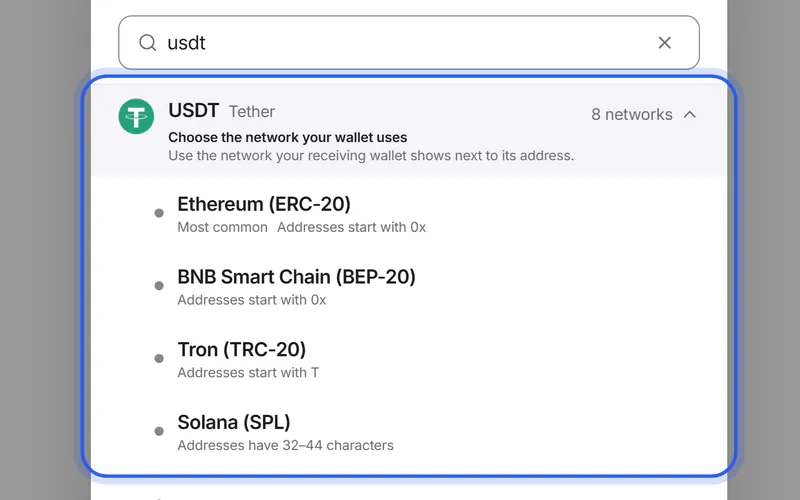
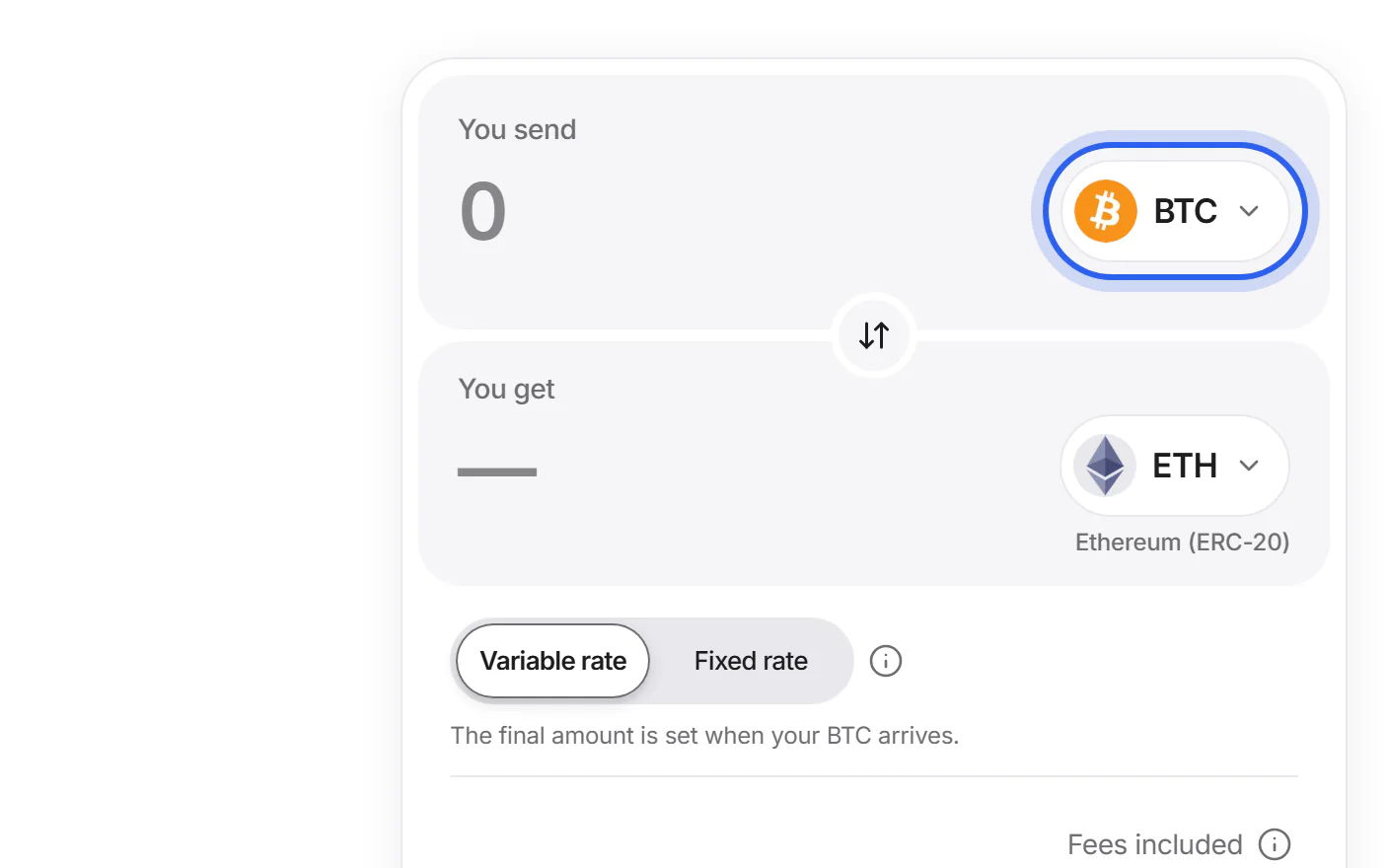
Tap the coin under “You send” and pick the coin you have. Then tap the coin under “You get” and pick the coin you want. If a coin exists on several networks, choose the network your wallet uses.
Step 2 Enter the amount
Type how much you want to send under “You send”. “You get” shows an estimate with every swap fee already taken out. Your wallet's own network fee is extra.
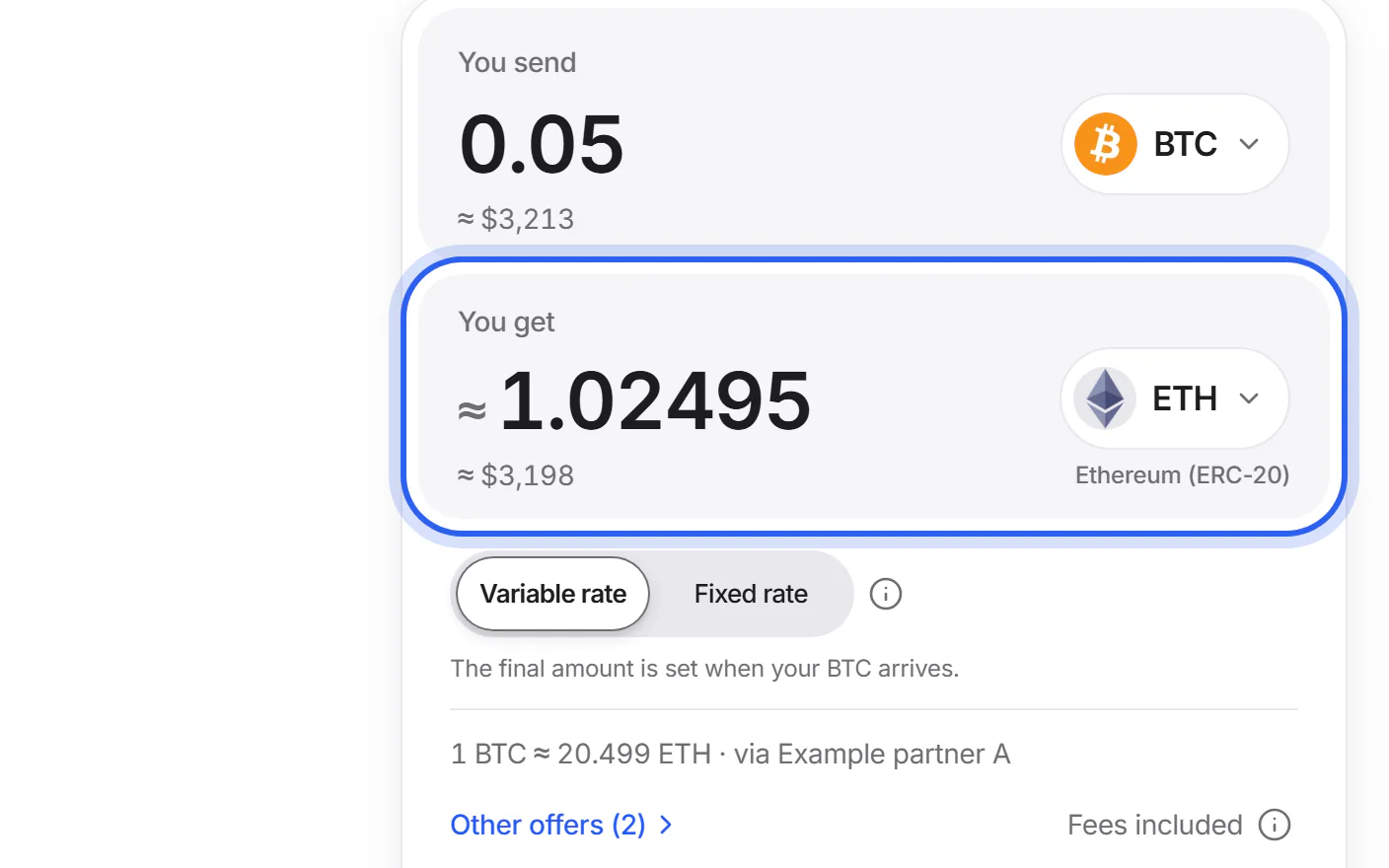
Step 3 Check the offer, or compare
Choose a variable or a fixed rate. The line under the amounts names the partner whose offer gives you the most coins; “Other offers” lets you compare and choose another. Then tap “Swap”.
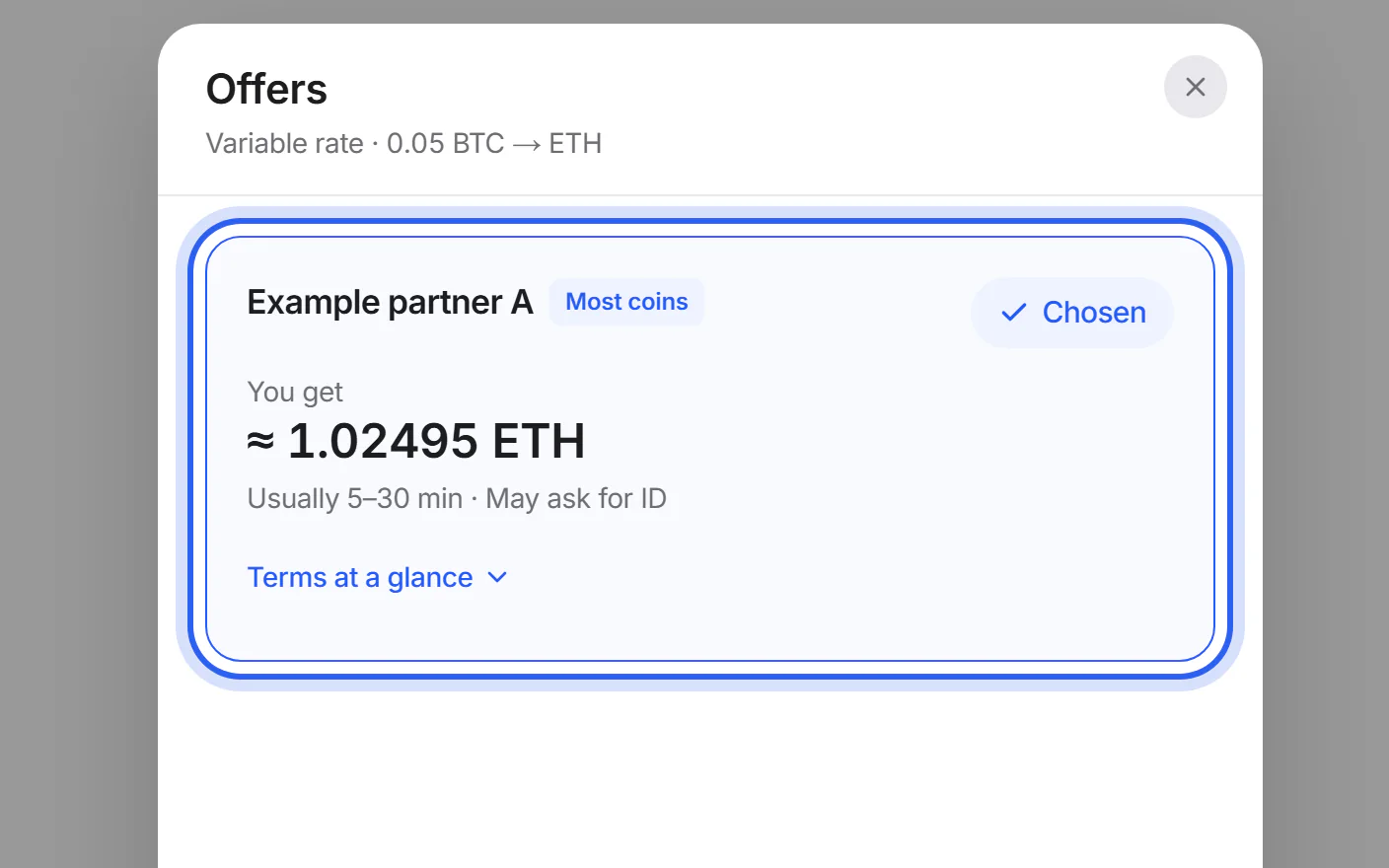
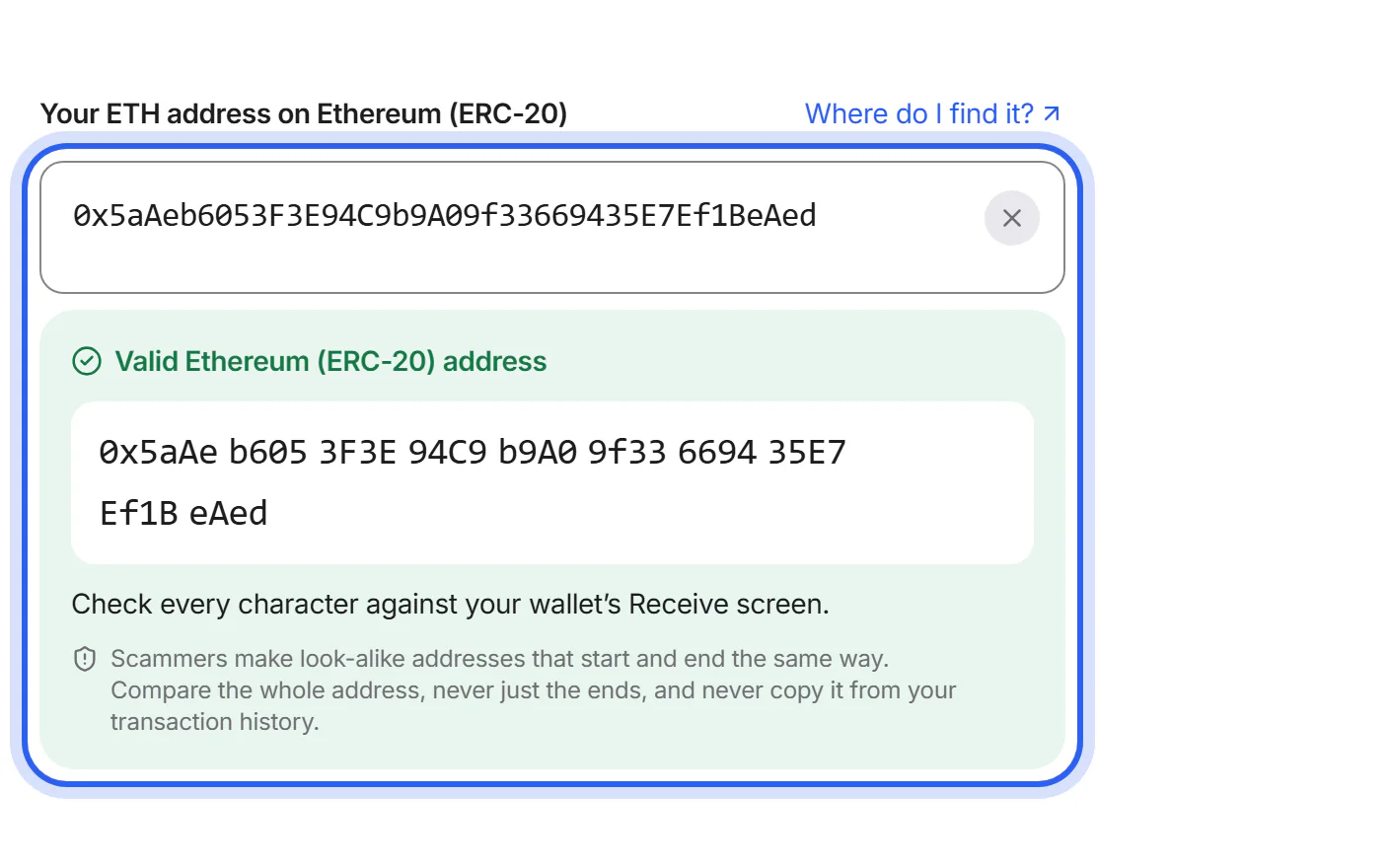
Step 4 Add your wallet address
On the Swap details page, paste the receiving address from your wallet: the field's label names the coin and the network it must match. If your exchange shows a memo or tag, add it too. Add a refund address as well: your own address for the coin you send.
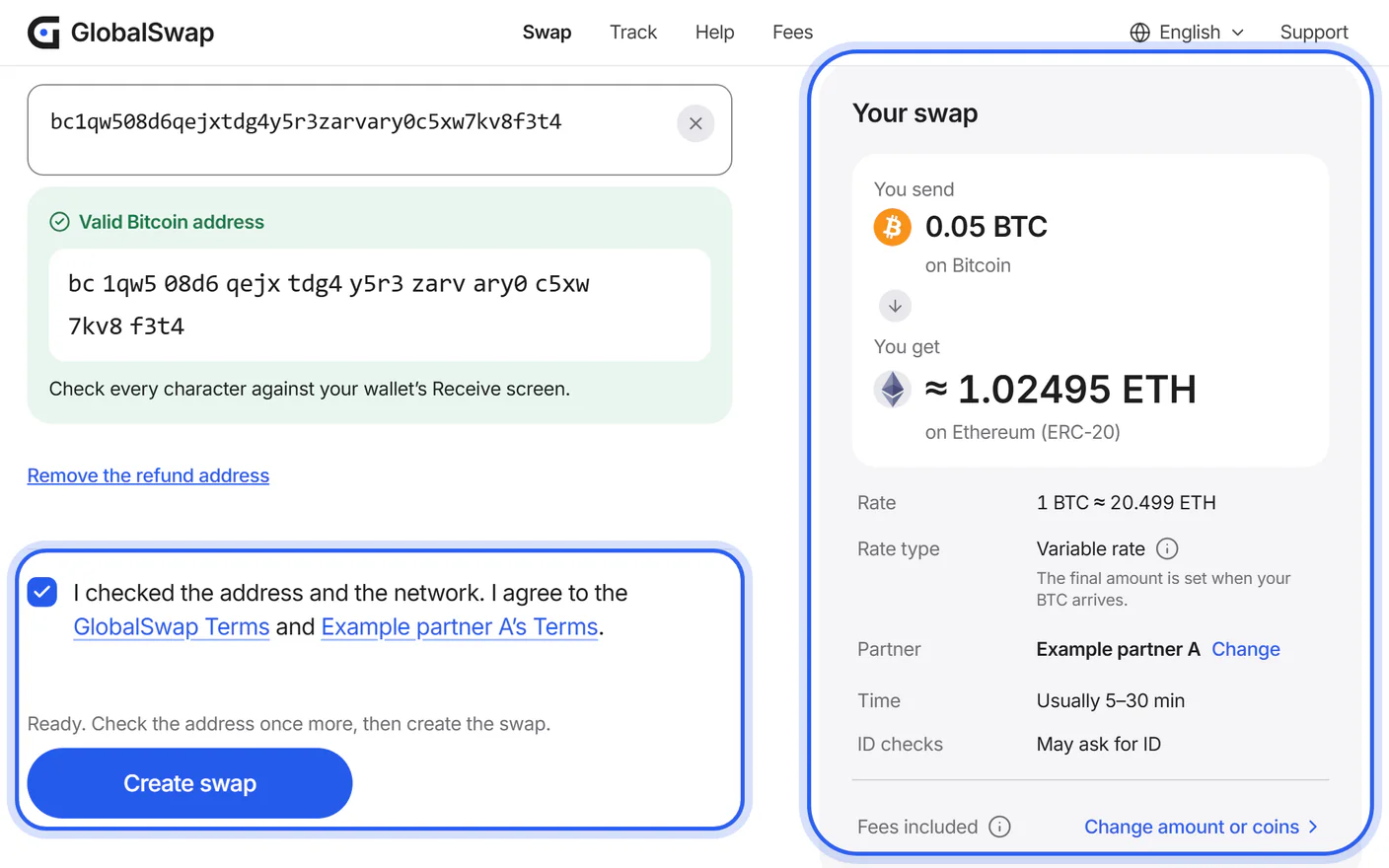
Step 5 Check and create your swap
Check the summary: what you send, what you get, the partner and your address. Tick “I checked the address and the network”, then tap “Create swap”. Nothing is sent yet.
Step 6 Send exactly the amount shown
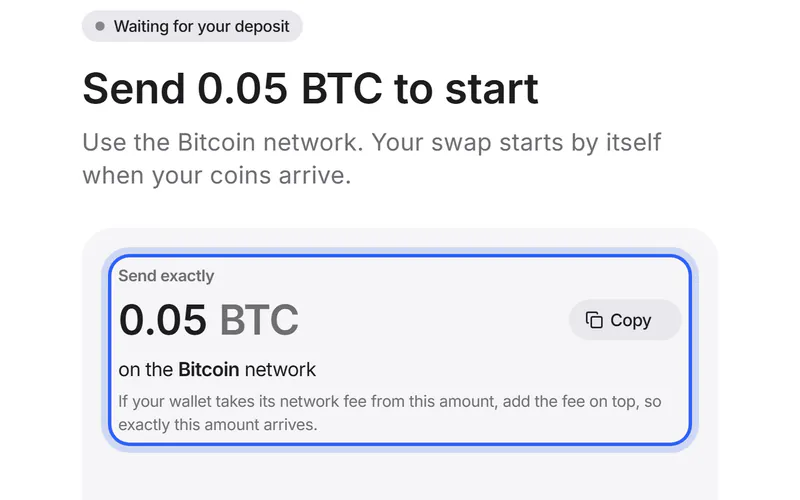
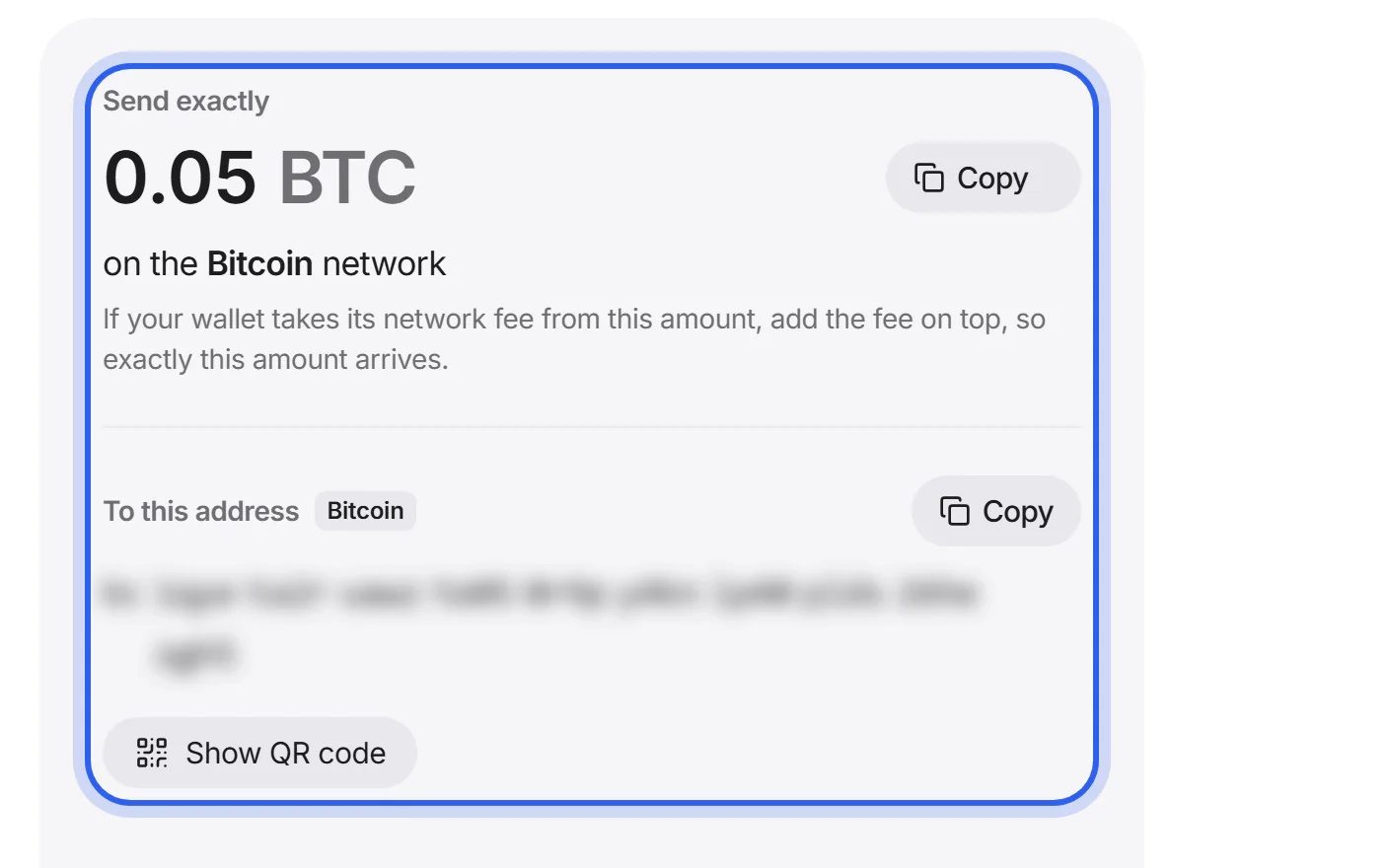
In your wallet, send exactly the amount under “Send exactly”, on the network named with it, to the address under “To this address”. If a memo is shown above the address, add it first. Use the “Copy” buttons, so nothing is typed by hand.
Step 7 Save your tracking link
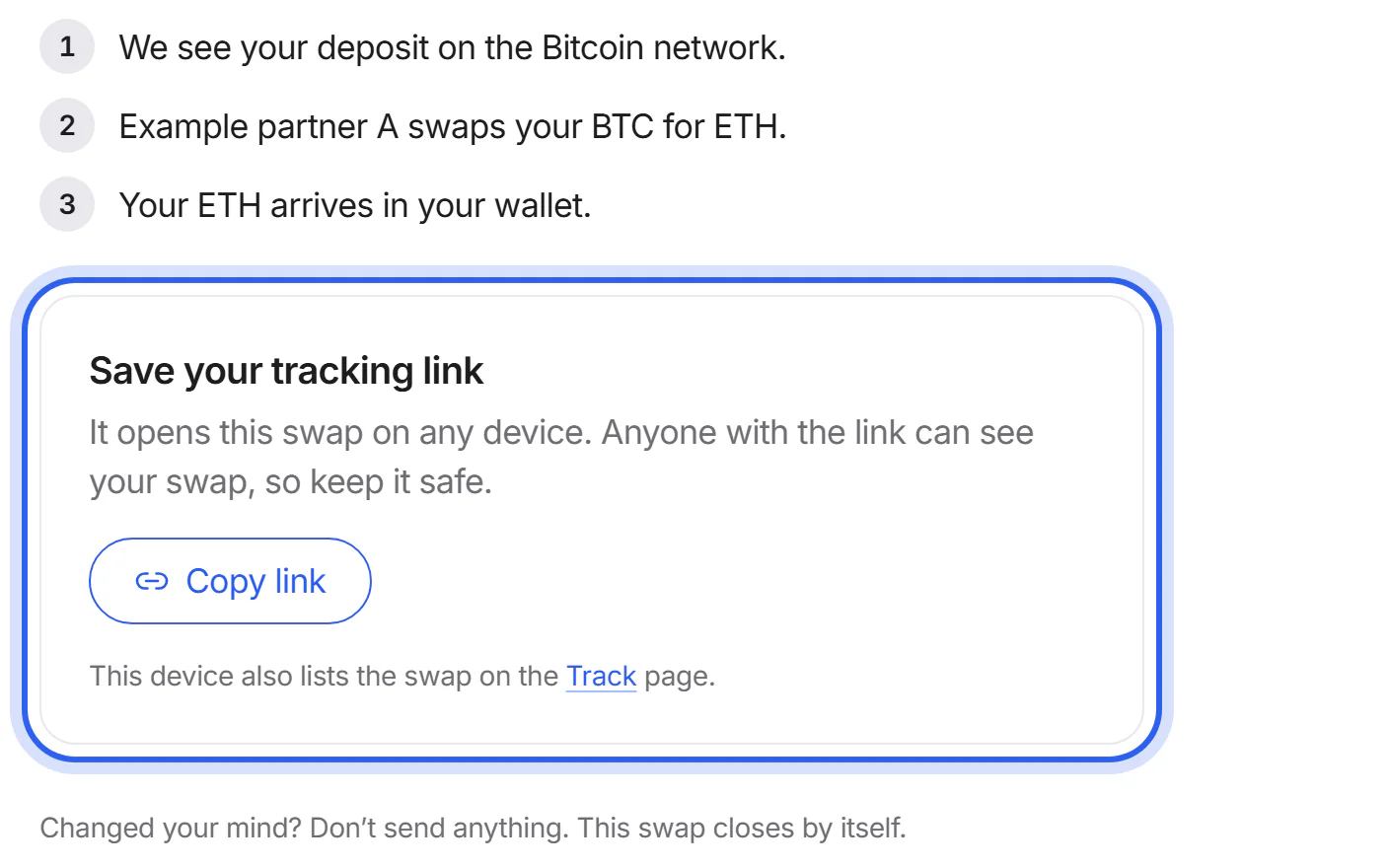
Tap “Copy link” under “Save your tracking link” and keep the link private. It opens your swap on any device. This browser also lists the swap under “Swaps on this device” on the Track page.
Step 8 Follow your swap until it's done
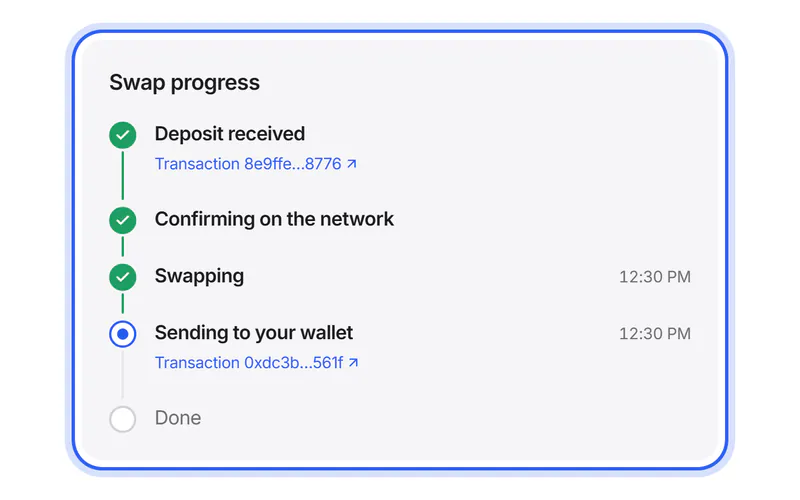
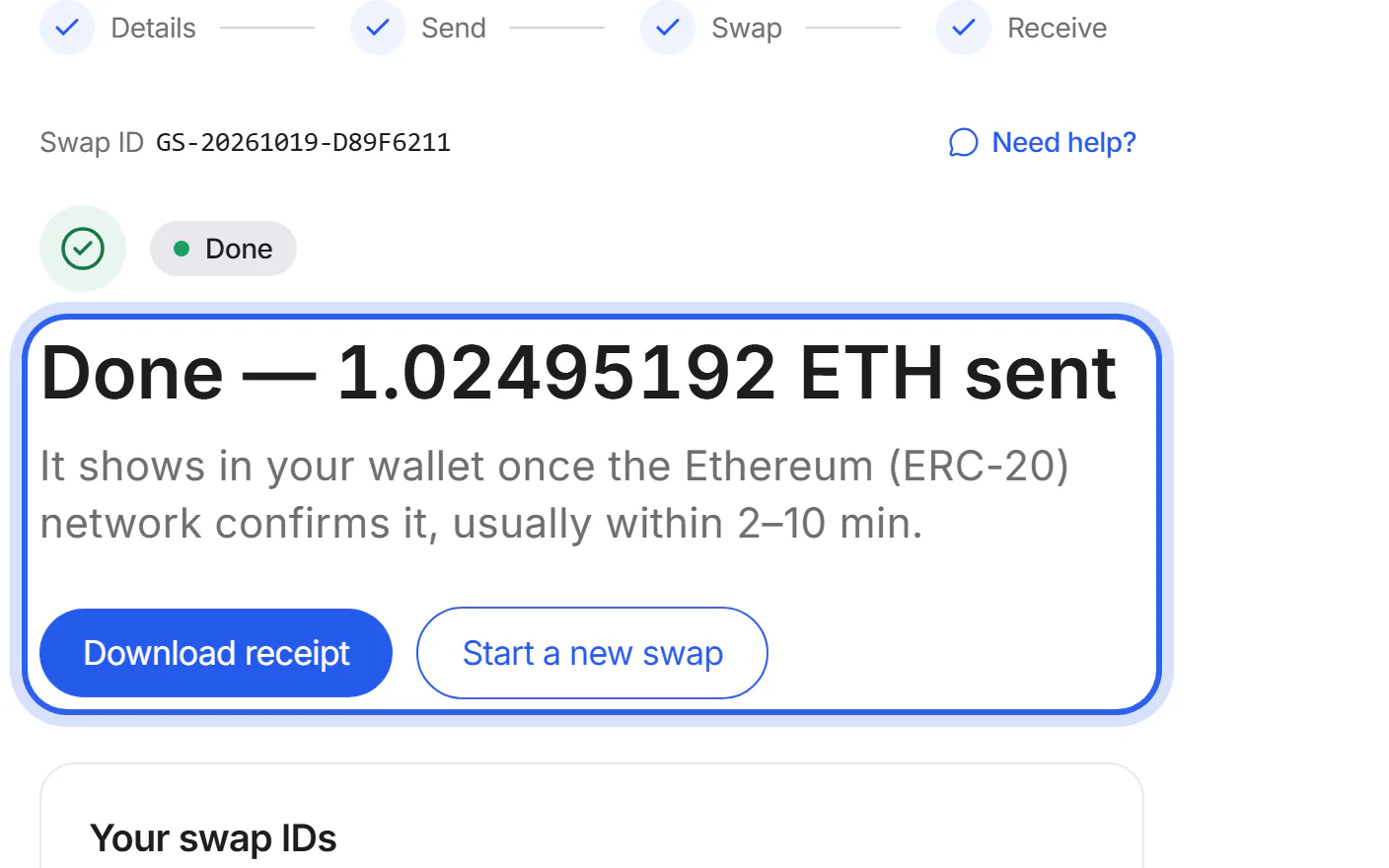
The page updates by itself: deposit received, confirming on the network, swapping, sending to your wallet, done. At the end, you see the amount sent to your wallet and can tap “Download receipt”.


If something goes wrong
If you see no offers
Your amount may be below the minimum or above the maximum, or no partner supports this pair of coins right now. Try another amount or network, or check which partners are answering.
Partner statusIf your address is rejected
Check that the address is for the coin and the network in the field's label. If we say it looks like an address on another network, choose that network only if your wallet really uses it. Otherwise, copy the right address from your wallet.
Choose the right networkIf the partner doesn't accept your refund address
Fix the refund address, or continue without one. Without it, the partner refunds under its own terms, usually to the address you sent from.
Get a refundIf the amount changes before you send
Prices move. Before you create the swap, we show any drop for a fixed rate, and drops over 0.3 % for a variable rate. Accept the new amount, or see other offers. If the partner's swap comes back with worse terms, your swap's page shows them. With a variable rate, a drop of up to 0.1 % is accepted without asking you. The address to send to appears only after you accept. If you don't agree, don't send anything: the swap closes by itself.
Was this helpful?
We only count the answer. No cookies, nothing personal.
Last updated October 17, 2026
Pictures show an example partner and example amounts.