Stay safe
Fake support, look-alike addresses and malware that swaps copied addresses: how to spot them and protect your coins.
5 stepsReading time: about 3 minutes
Step by step
Step 1 Keep your seed phrase to yourself
Your seed phrase is the list of secret words, usually 12 or 24, that unlocks your wallet; some apps call it a recovery phrase. Nobody from GlobalSwap will ask for it, your private key, passwords, two-factor codes or remote access to your device. A real exchange never needs your seed phrase or private key either: anyone who asks is trying to take your coins.
Step 2 Check the whole address
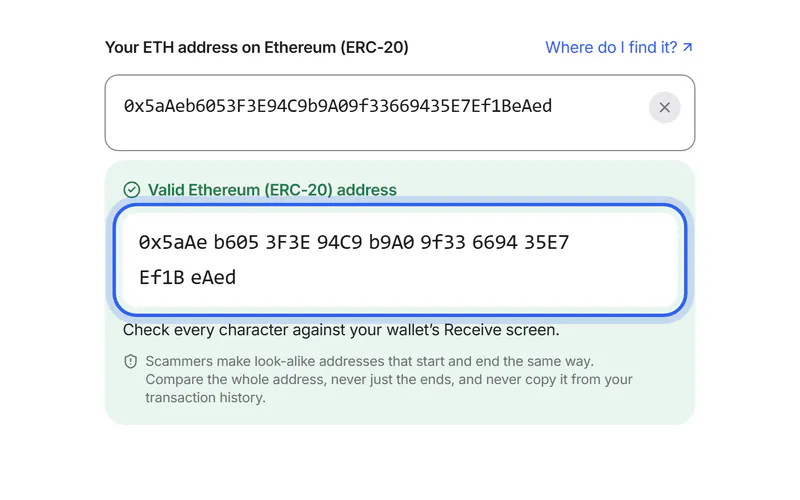
Scammers create addresses that start and end like yours and send you tiny amounts, so their address appears in your history. Never copy an address from your transaction history, and compare every group of characters.
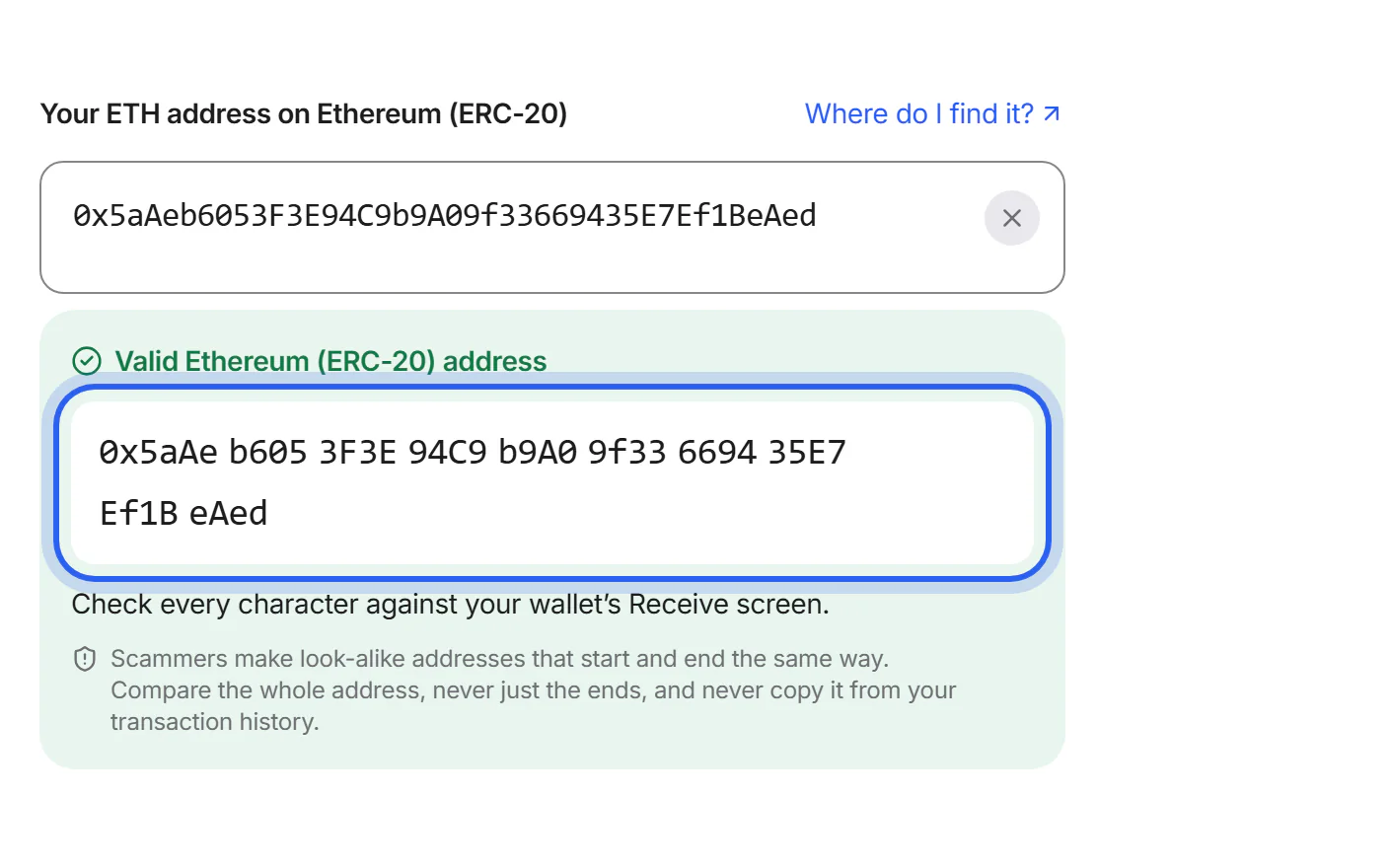
Step 3 Compare after you paste
Malware can replace an address you copied with a look-alike. After pasting, compare the address with the original. If it changed, stop and scan your device with a trusted security app.
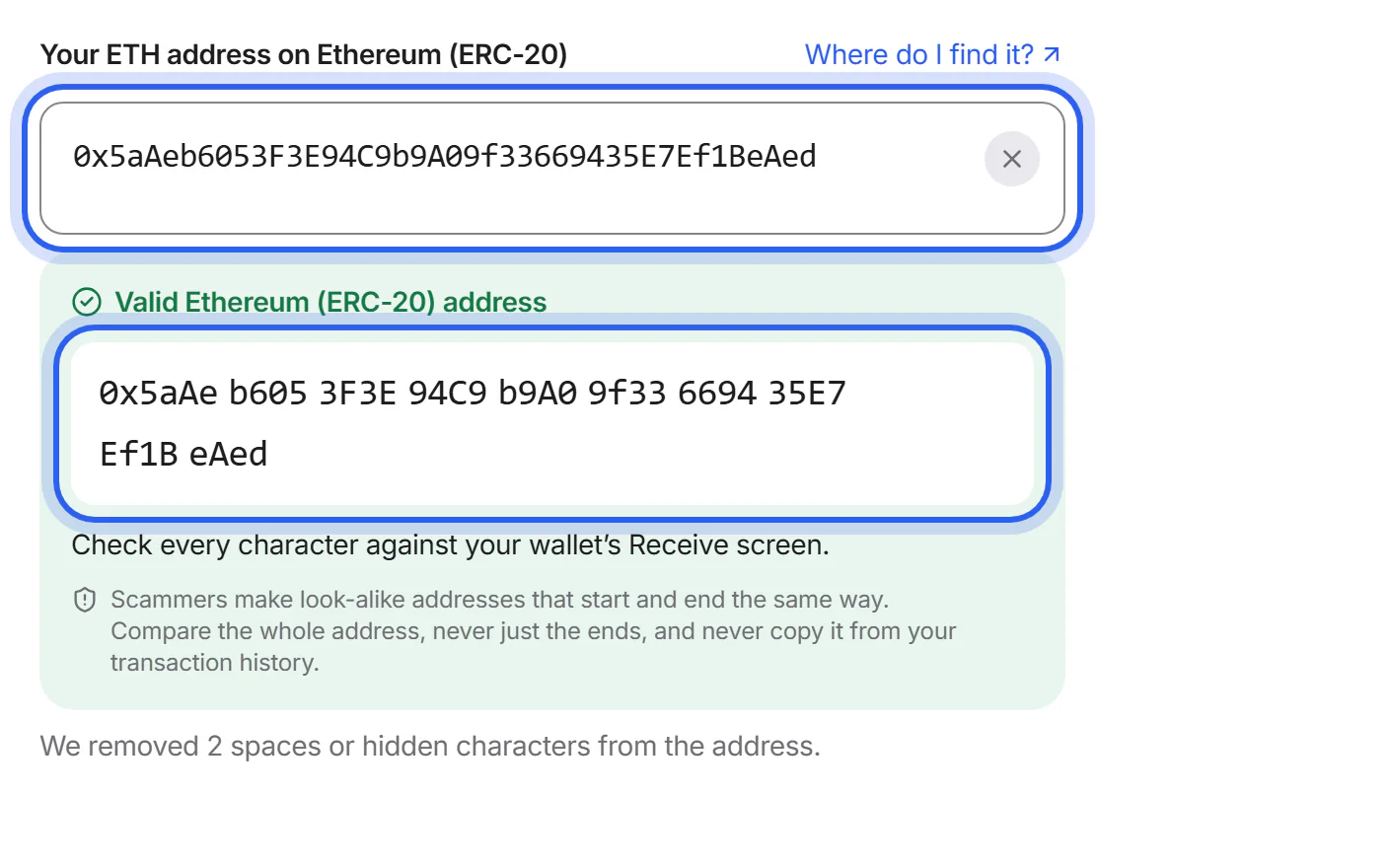
Step 4 Use only the real website
Check that the address bar shows globalswap.io. Be careful with links in messages, ads and search results that copy our name or design.
Step 5 Tell us about anything suspicious
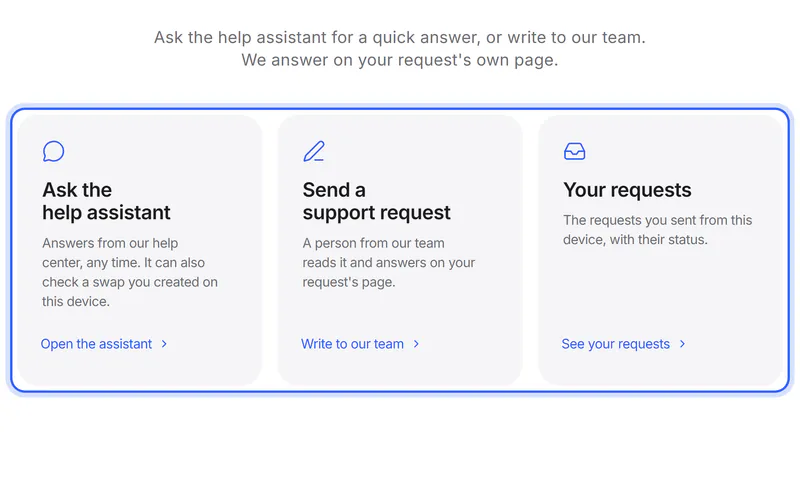
Send a support request if someone contacts you in our name or something looks wrong. For security problems on our website, see the Security page.


If something goes wrong
If you sent coins to a scammer
Crypto transactions can't be reversed, and we can't get back coins sent outside a swap. Report it to the police and, if a platform was involved, to that platform.
Was this helpful?
We only count the answer. No cookies, nothing personal.
Last updated October 16, 2026
Pictures show an example partner and example amounts.