Track your swap
Follow every step from your deposit until your new coins are sent, on any device, and know what each status means.
6 stepsReading time: about 3 minutes
Step by step
Step 1 Open your swap
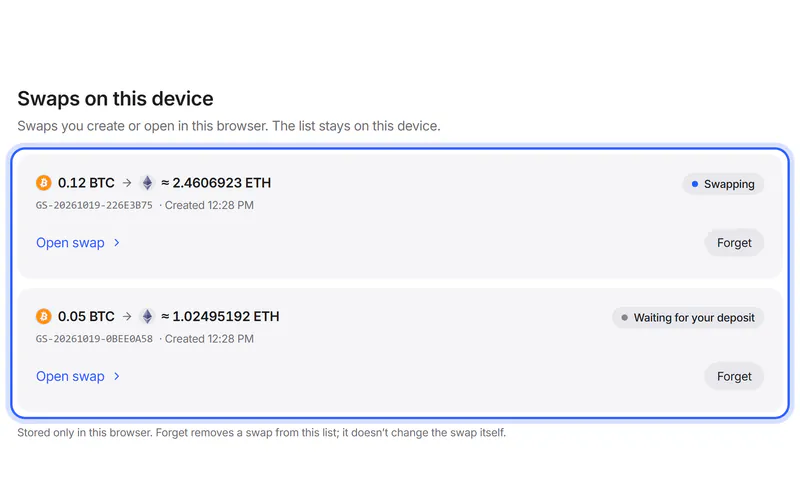
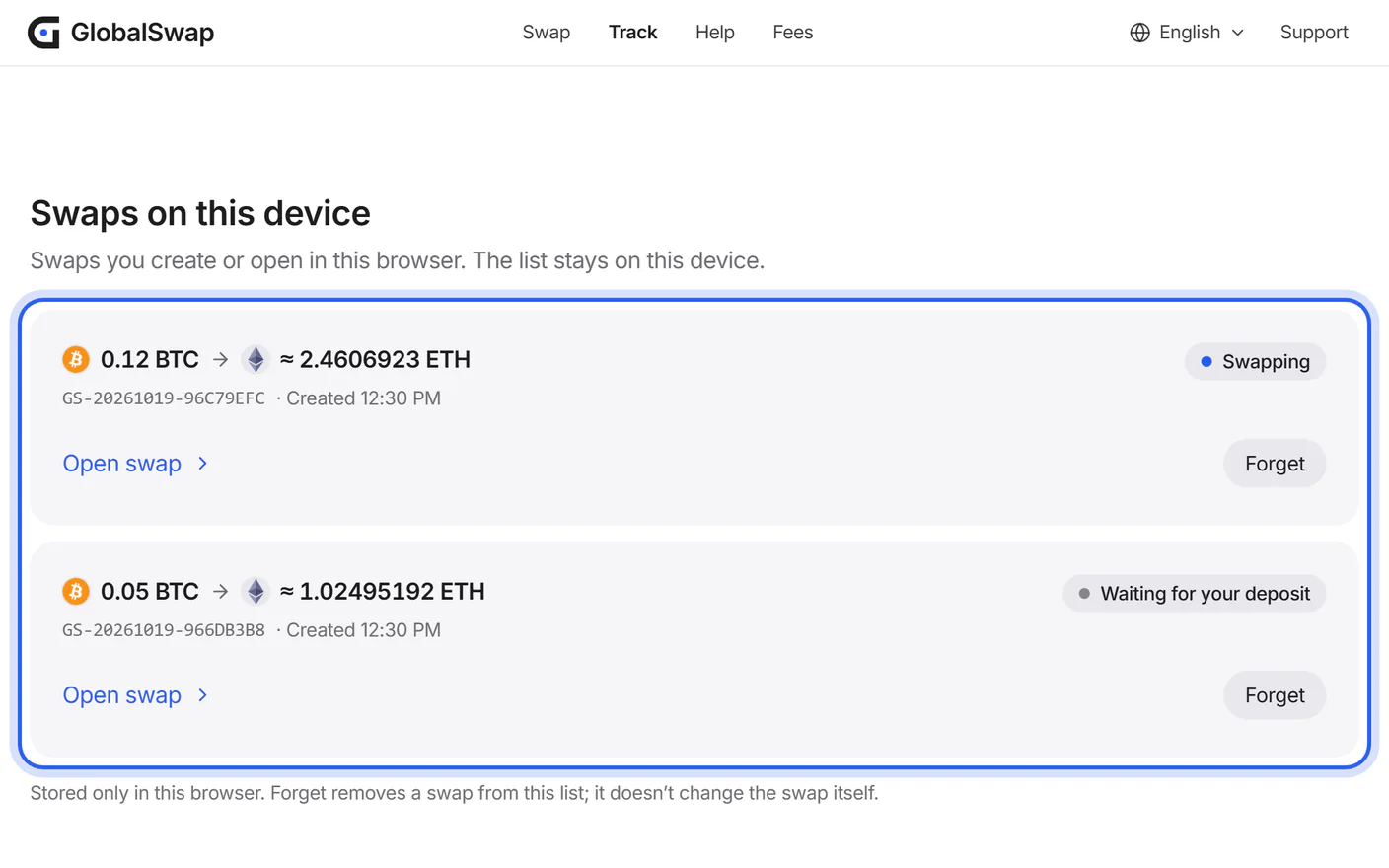
Use your tracking link. In the browser you used to create the swap, you can also open Track and choose it under “Swaps on this device”.
Step 2 See where your swap is
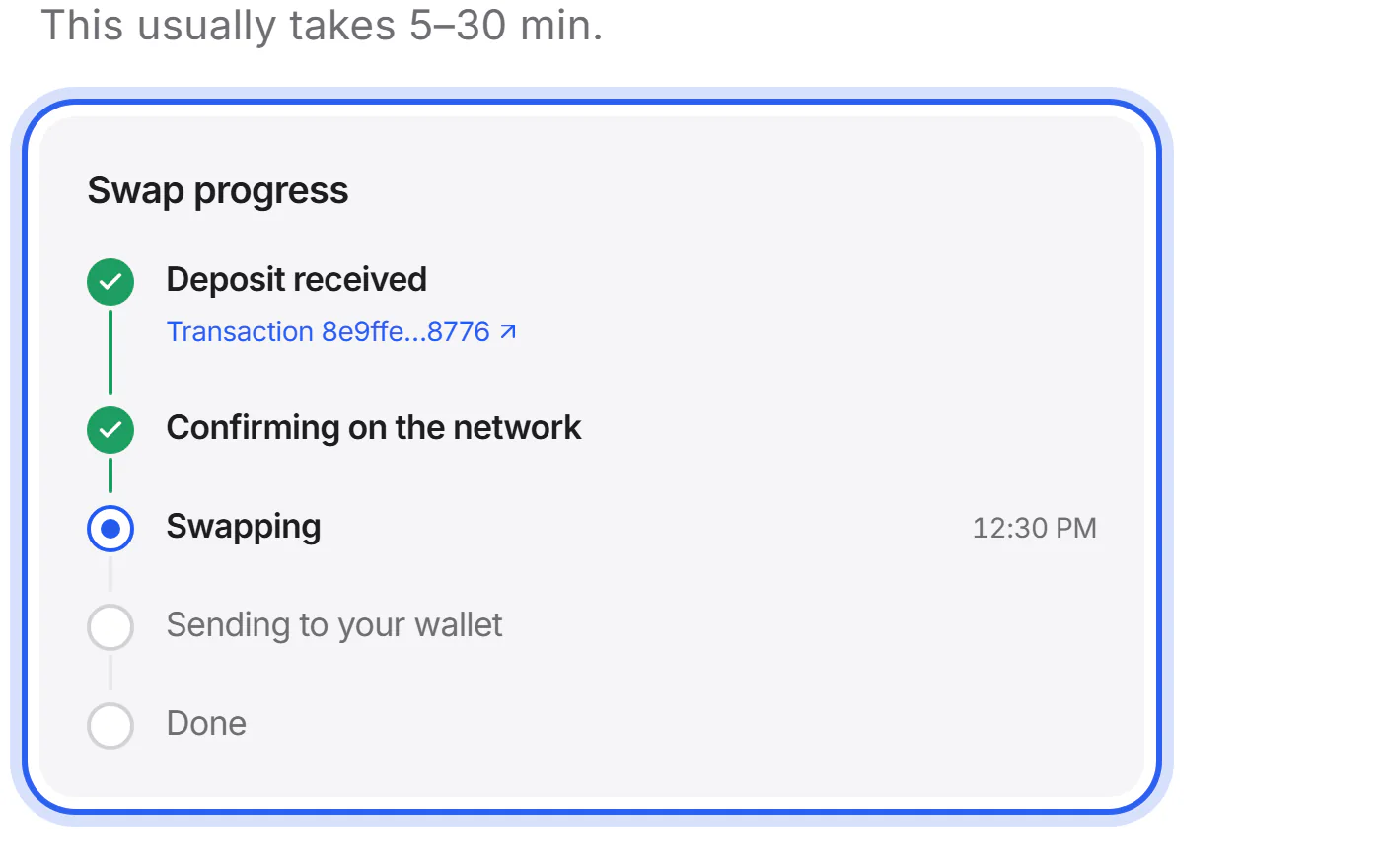
The timeline shows each step with its time: deposit received, confirming on the network, swapping, sending to your wallet, done. The current step says what is happening and who is doing it.
Step 3 Check the transactions on the network
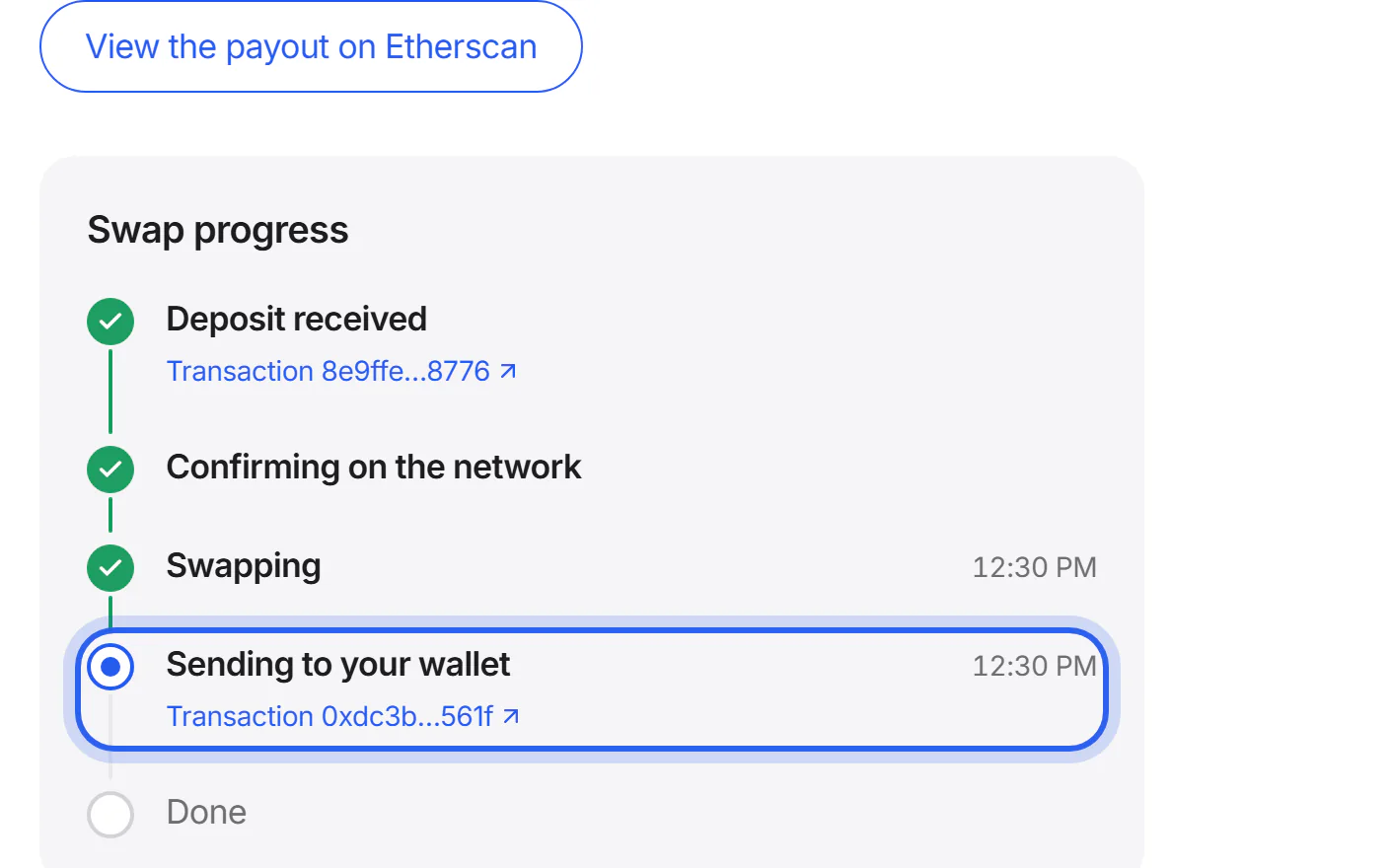
When the partner reports them, both transactions get a link to a block explorer: your deposit and the one that sends your new coins. A block explorer is a public website that shows every transaction on a network.
Step 4 When it's done
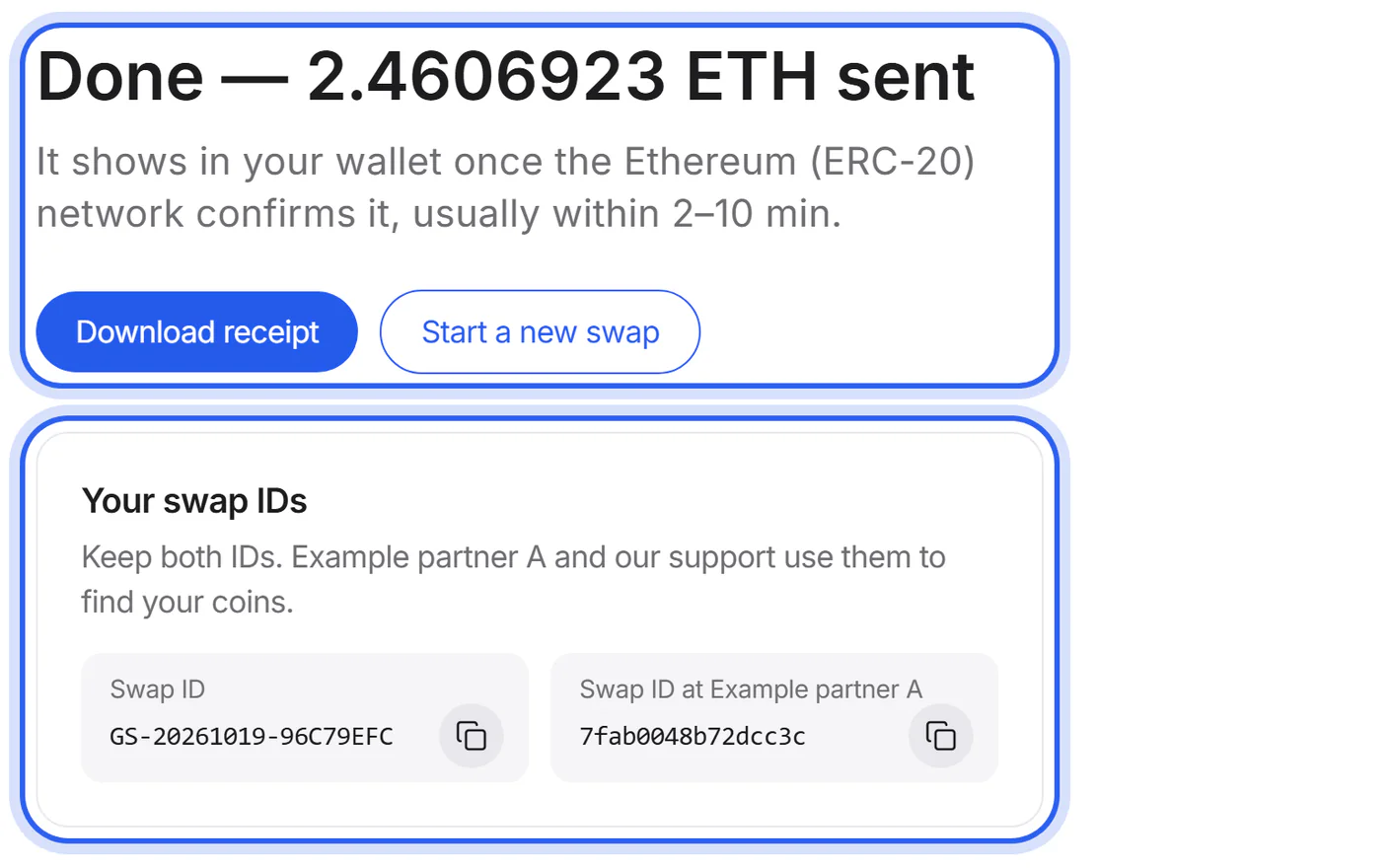
The page shows the amount sent to your wallet, both swap IDs and a receipt. Your wallet shows the coins once the network confirms them: usually within minutes, on Bitcoin often 20–60 minutes.
Step 5 Open it on another device
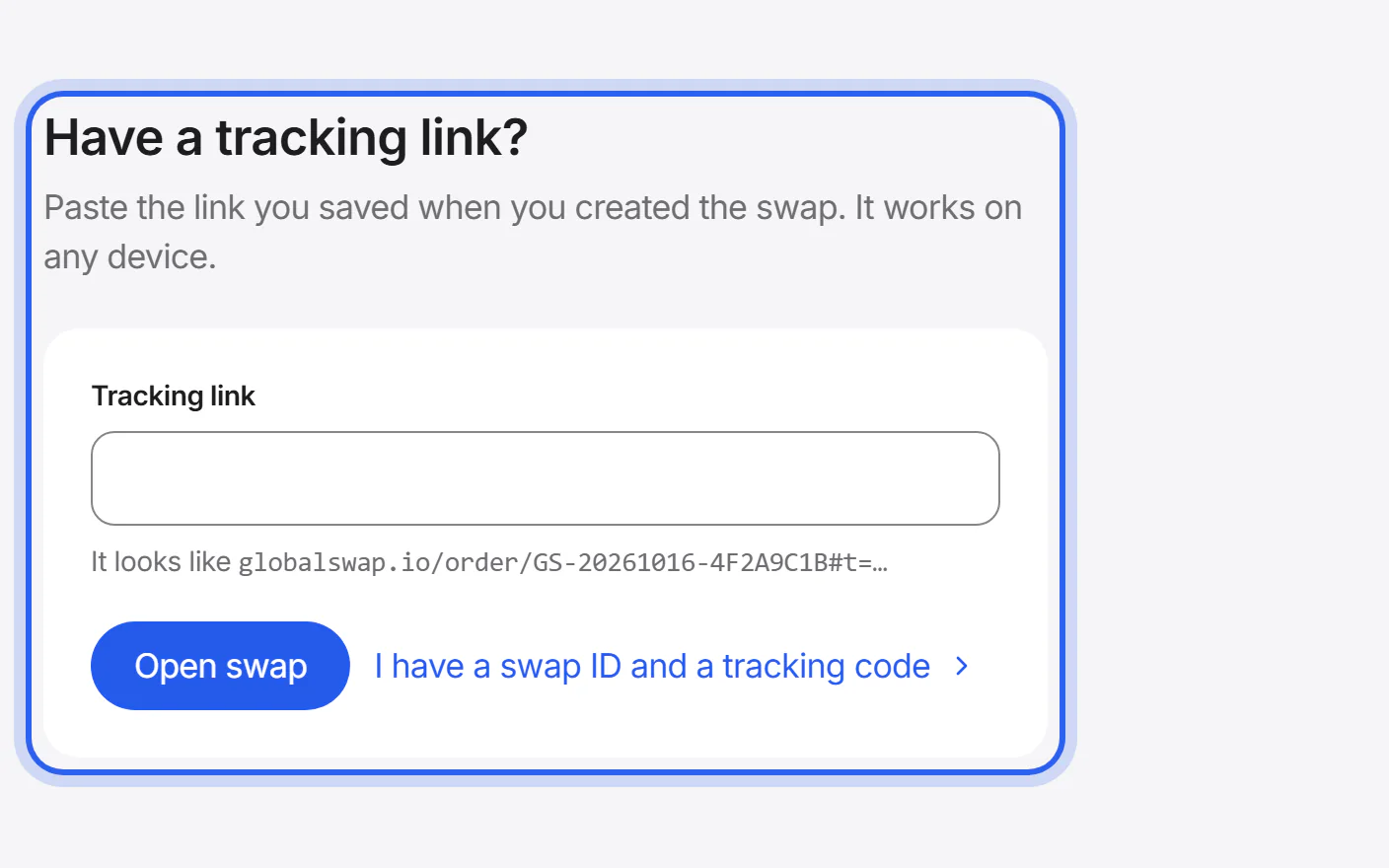
Your tracking link works on any device and in any browser. On the Track page, paste it under “Have a tracking link?”.
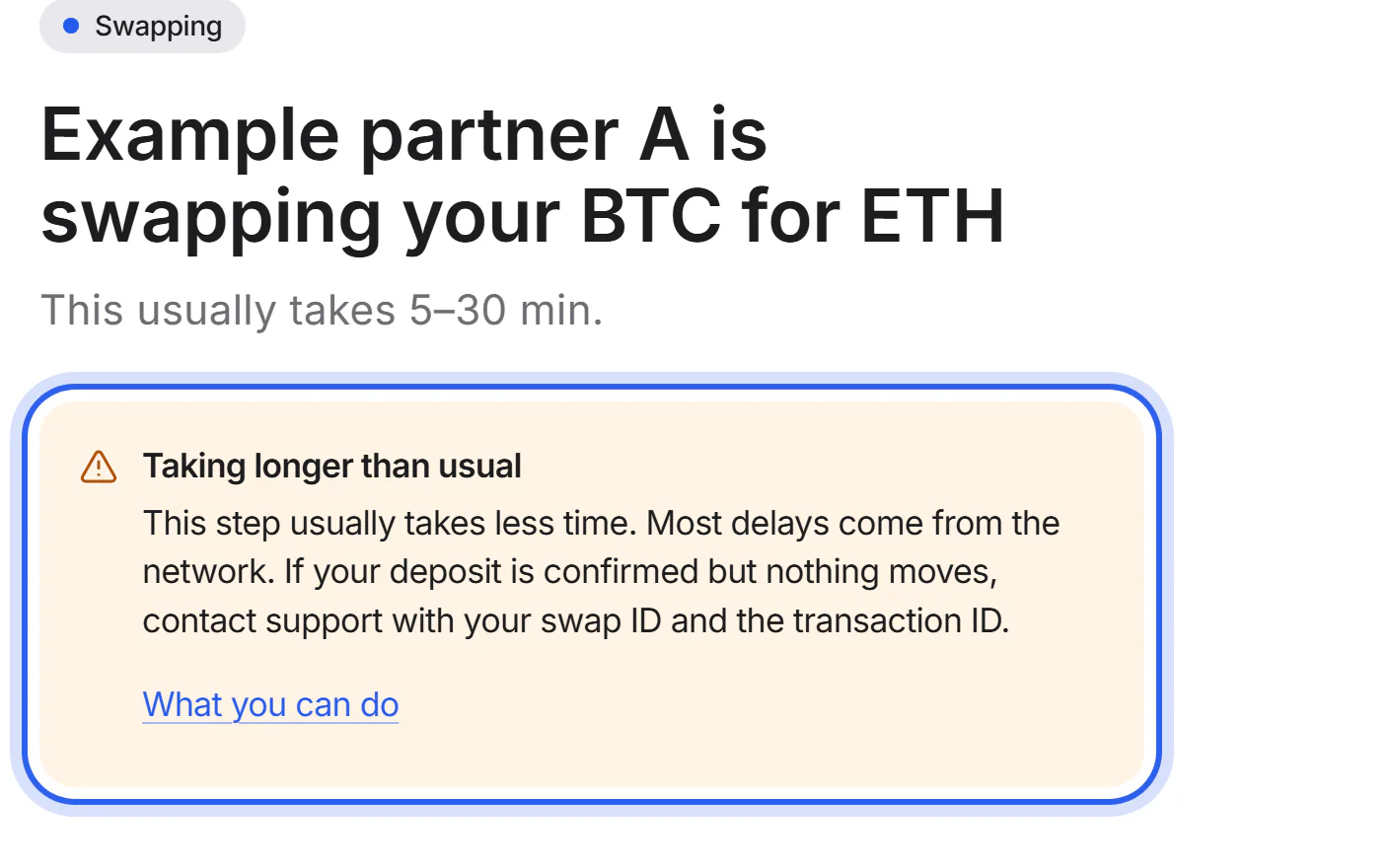
Step 6 If a step takes longer than usual
When a step takes twice its usual time, the page says “Taking longer than usual” and shows what you can do.


What each status means
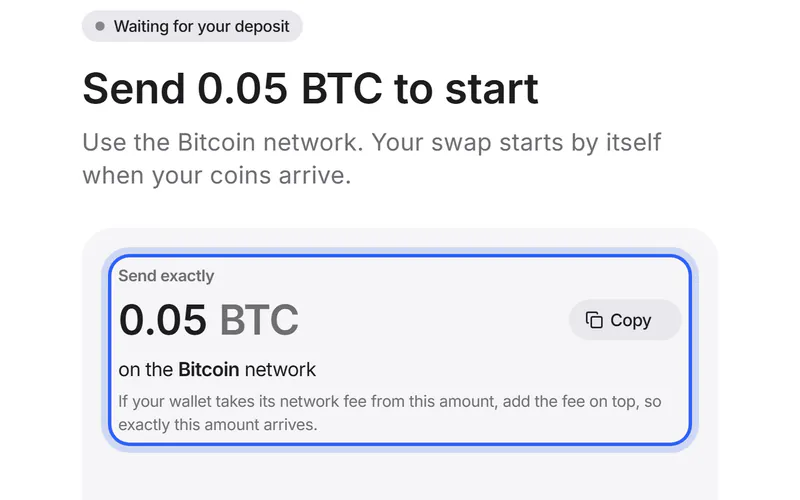
- Waiting for your deposit
- The swap is created. It starts when your coins arrive at the address to send to.
- Confirming
- Your deposit has been seen. Each new block on the network adds a confirmation, and the partner waits for a set number. When the partner reports them, the page counts them.
- Swapping
- The partner is swapping your coins.
- Sending
- The partner is sending your new coins to your wallet.
- Done
- The partner has sent your new coins. Your wallet shows them once the network has confirmed the transaction.
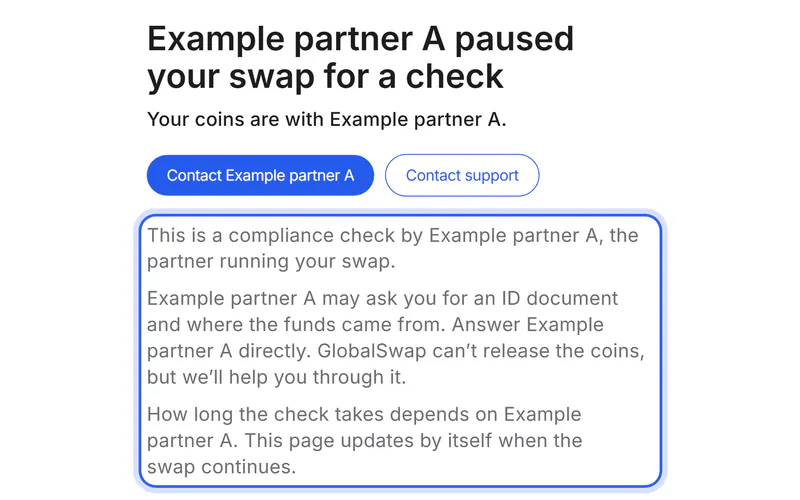
- Paused for a check
- The partner paused the swap for a check and may ask you for information. Your coins are with the partner meanwhile.
- Deposit doesn't match
- The amount you sent, or the time it arrived, doesn't match the swap. The partner needs your decision.
- Deposit window closed
- No deposit arrived within the deposit window, the time the partner gives you to send. Don't send coins to this swap any more.
- Couldn't be completed
- The partner stopped the swap. Your coins weren't swapped and are with the partner until it refunds them.
- Refunded
- The partner sent your coins back.
- Checking
- We're checking the latest status with the partner. The page updates by itself.
If something goes wrong
If you lost your tracking link
In the browser you used to create the swap, open Track: your swap is listed under “Swaps on this device”. Otherwise, send a support request with your swap ID or the transaction ID of your deposit.
Find your swap againIf the page can't reach the partner
Your swap stays with the partner. The page shows the last known status and updates again when the partner answers.
If the page says the swap is private
You need the full tracking link. The swap ID alone doesn't open the details; that keeps them private.
Was this helpful?
We only count the answer. No cookies, nothing personal.
Last updated October 16, 2026
Pictures show an example partner and example amounts.