Lost your tracking link
How to find your swap again without its link: in the browser you used, where you saved it, or with our help.
3 stepsReading time: about 2 minutes
Step by step
Step 1 Look in the browser you used
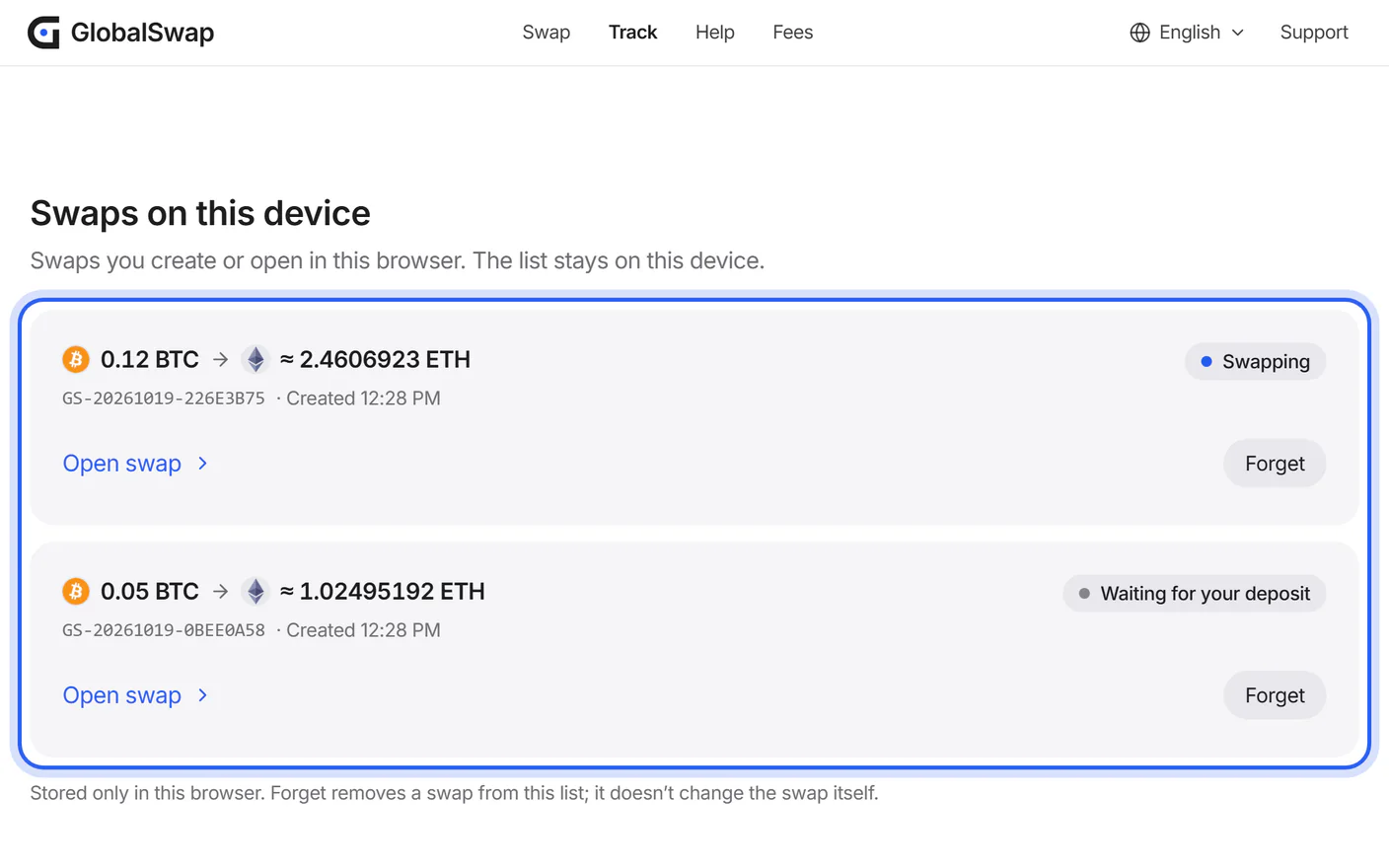
Open Track in the browser you used to create the swap. Your swap is listed under “Swaps on this device”.
Step 2 Look where you saved the link
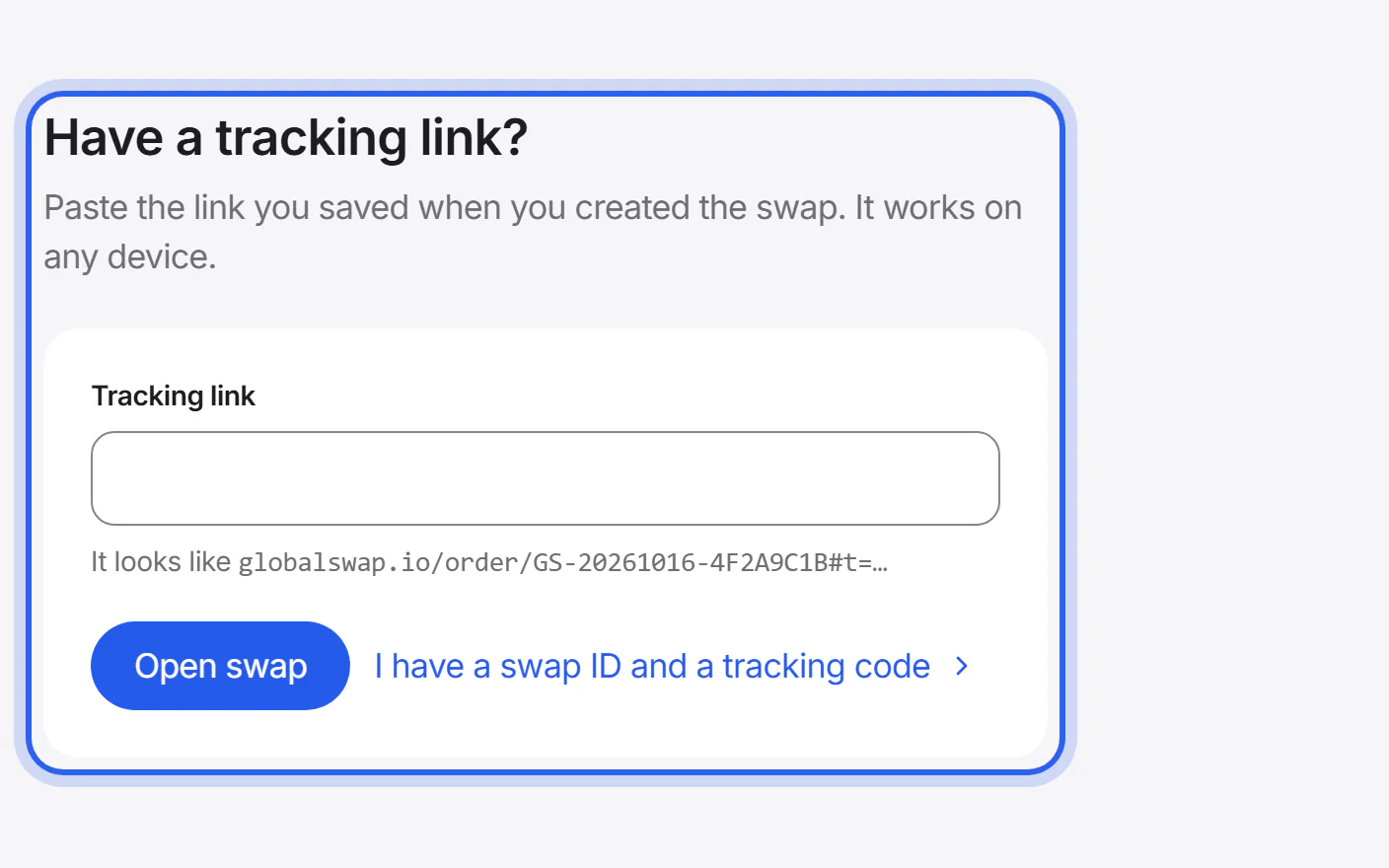
If you copied the link or bookmarked the page, open it from there. The link works on any device: paste it under “Have a tracking link?” on the Track page.
Step 3 Ask us with your swap ID or transaction ID
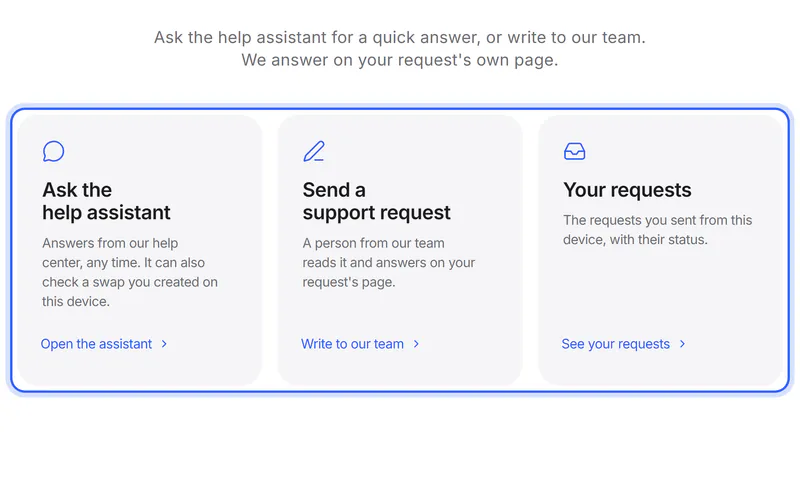
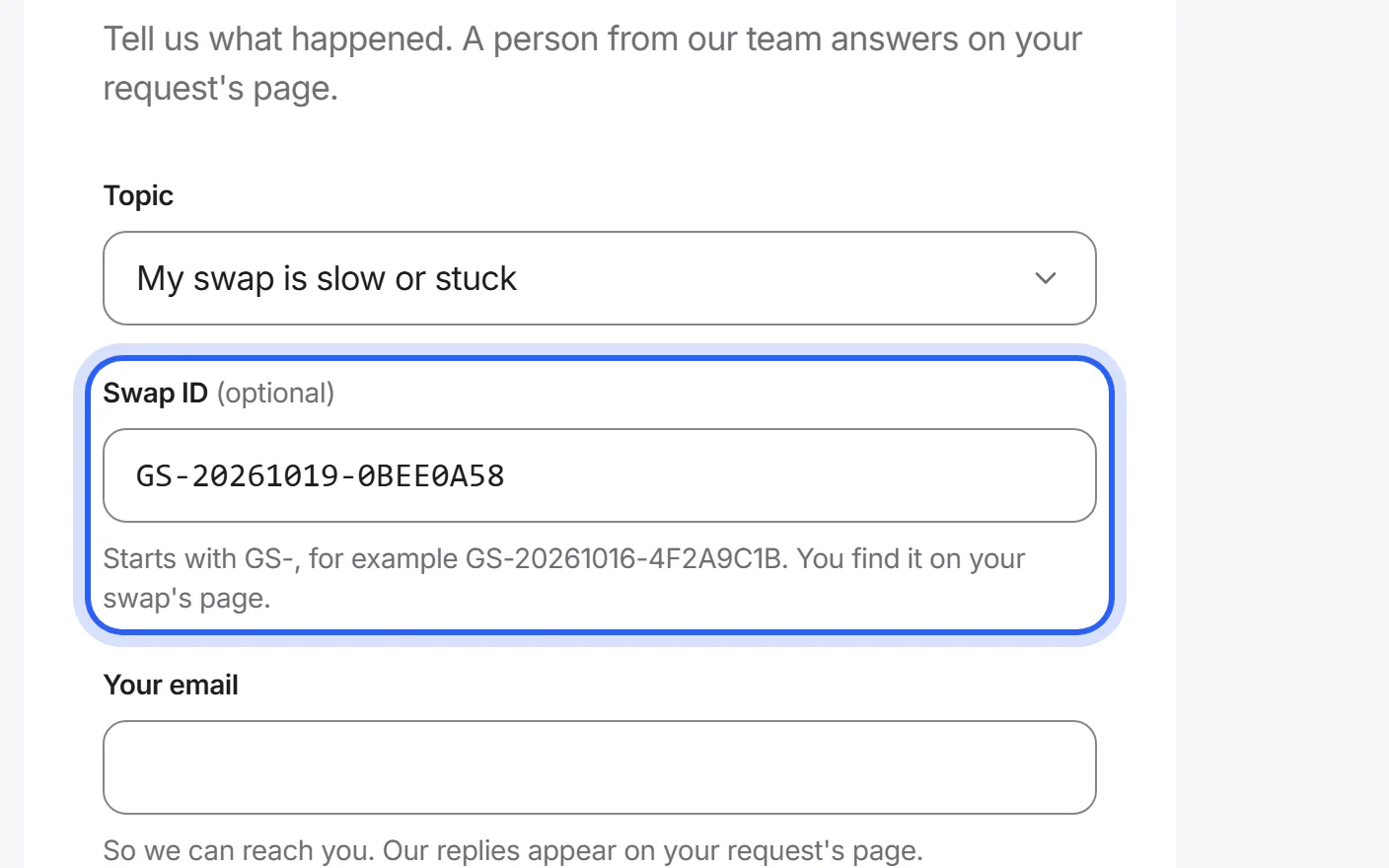
Send a support request with your swap ID, or with the transaction ID of your deposit from your wallet. We find your swap and help you follow it.


If something goes wrong
If you have neither the link nor the swap ID
Use the transaction ID from your wallet: it shows where your coins went. Send it to us in a support request.
Contact supportIf the link no longer opens your swap
We delete swaps after a set time, and then their links stop working. Your receipt, if you downloaded it, has both swap IDs: contact the partner with its swap ID.
Was this helpful?
We only count the answer. No cookies, nothing personal.
Last updated October 16, 2026
Pictures show an example partner and example amounts.