Contact support
Ask the help assistant, or send a support request and follow the conversation on its own page.
4 stepsReading time: about 2 minutes
Step by step
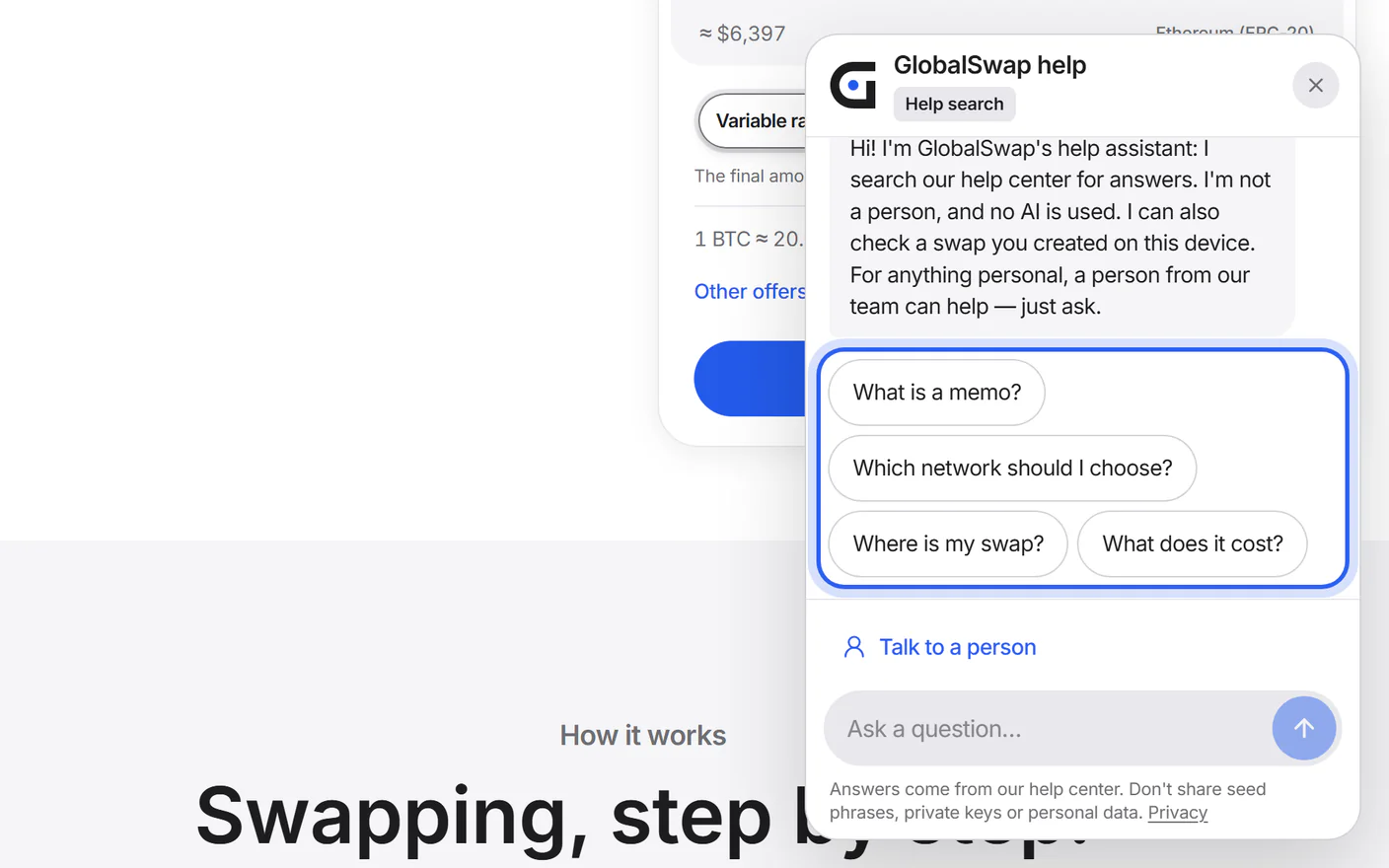
Step 1 Ask the help assistant
Tap the round help button in the bottom corner of the page. The assistant answers from this help center; with AI switched on, it can also look up swaps you created in this browser.
Step 2 Send a support request
On the Support page, choose “Send a support request”. Pick a topic and write your message. Add your swap ID if you have one, and your email address so we can answer.
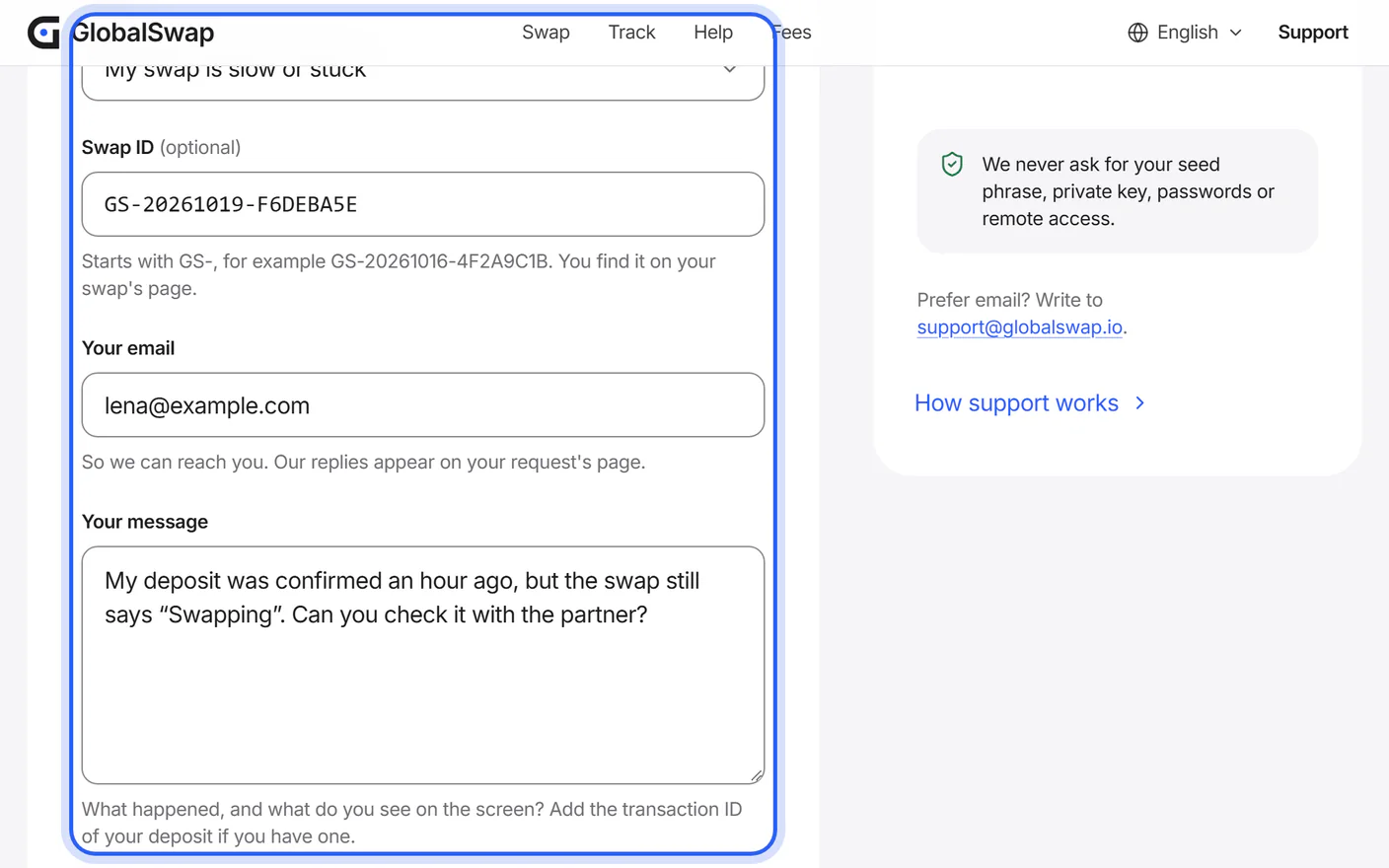
Step 3 Keep your request page
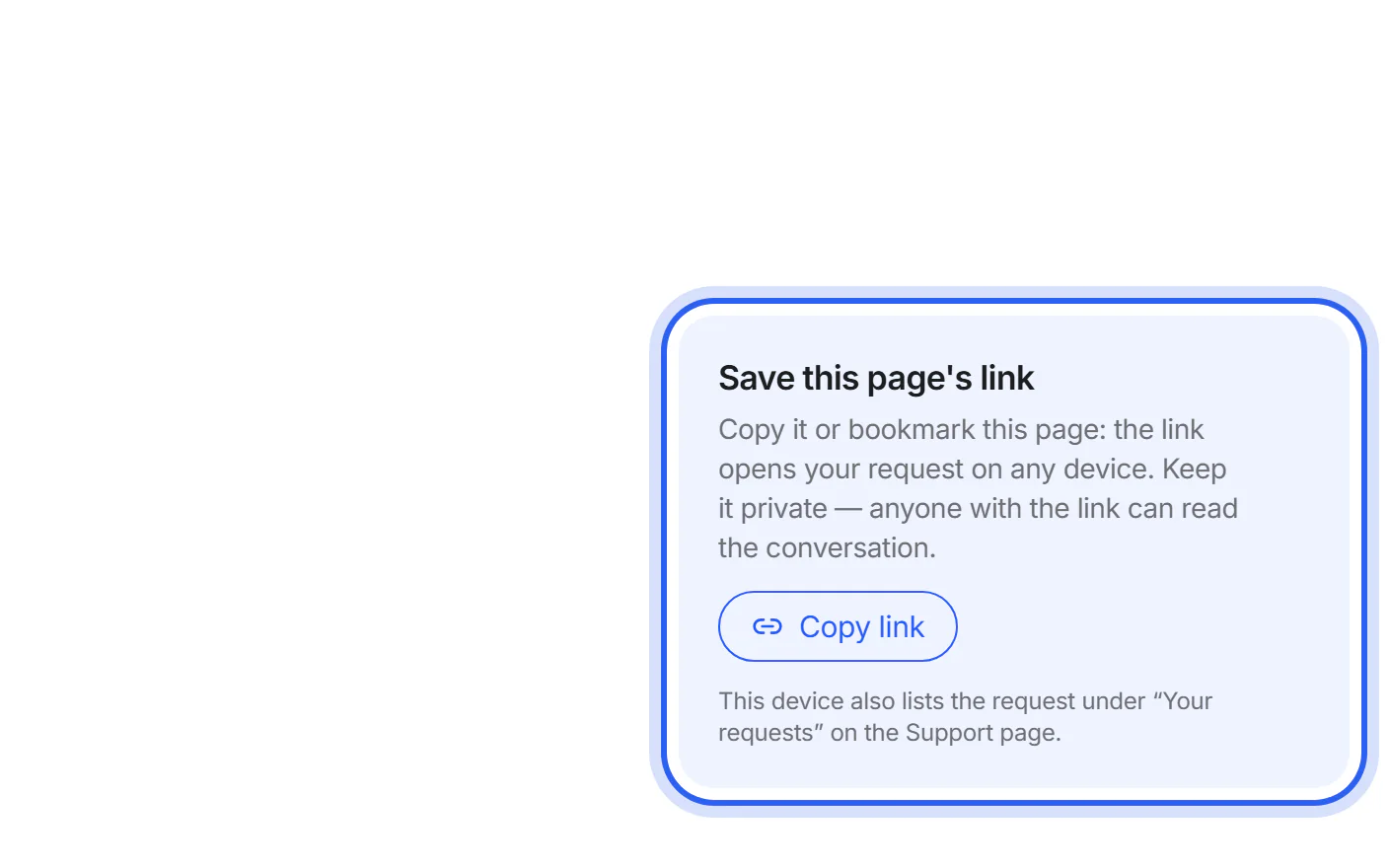
After sending, you are taken to your request's page. Save its link; this browser also lists it under “Your requests”.
Step 4 Read our replies there
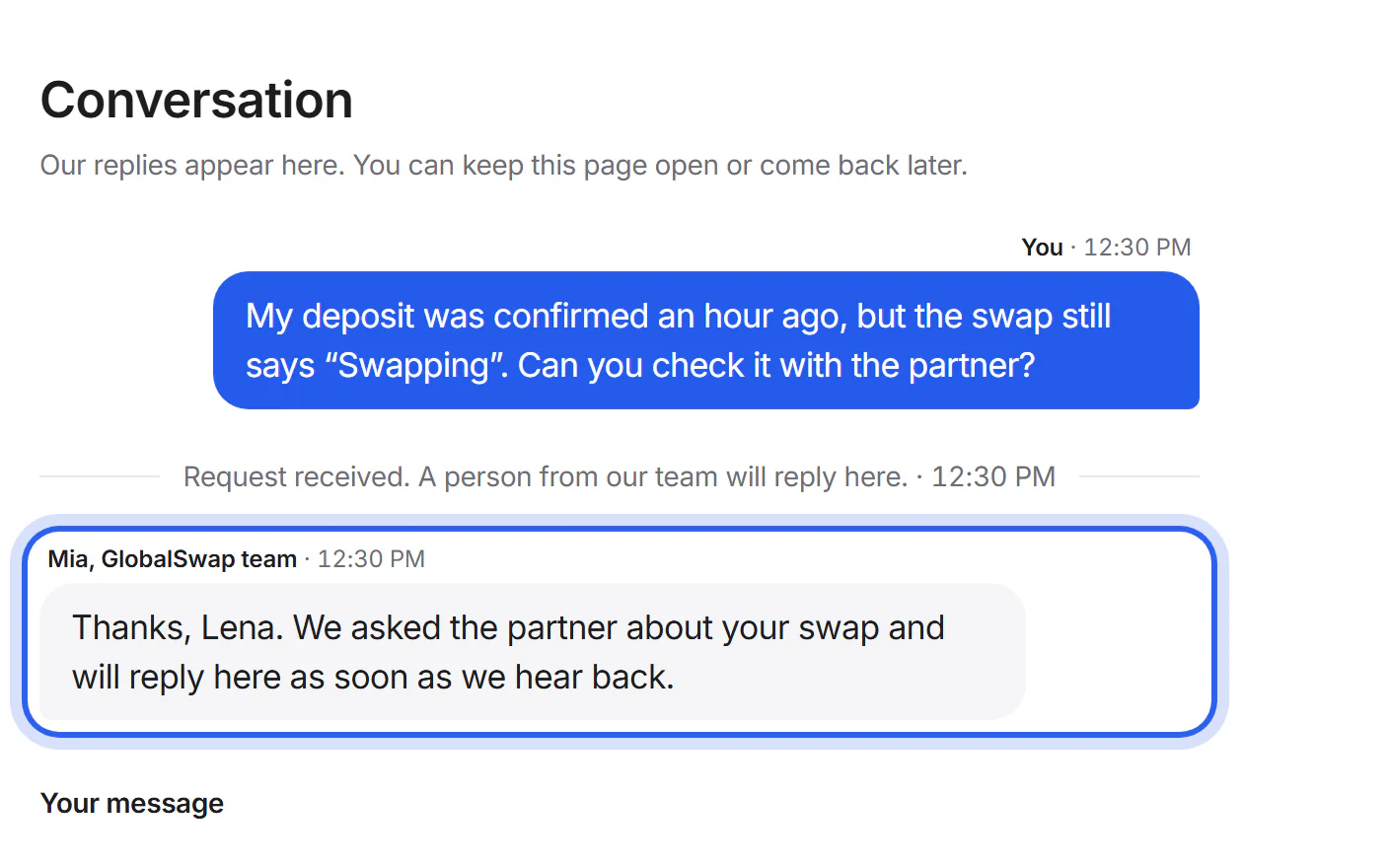
We reply on your request's page, and you can answer there too. Save the page's link and check back for replies.


If something goes wrong
If you lost your request page
In the browser you used, open Support: your requests are listed under “Your requests”. Otherwise, send a new request with your swap ID, and we connect it to the earlier one.
If only the partner can decide
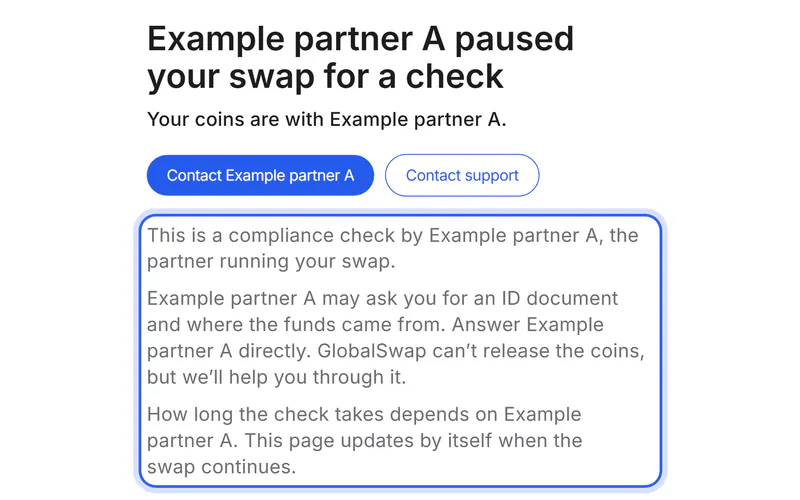
Identity checks and refunds are decided by the partner. We help you reach the partner and explain what it needs.
Was this helpful?
We only count the answer. No cookies, nothing personal.
Last updated October 16, 2026
Pictures show an example partner and example amounts.