Send from an exchange account
Withdrawals from an exchange work a little differently. These steps help the full amount arrive in time.
5 stepsReading time: about 3 minutes
Step by step
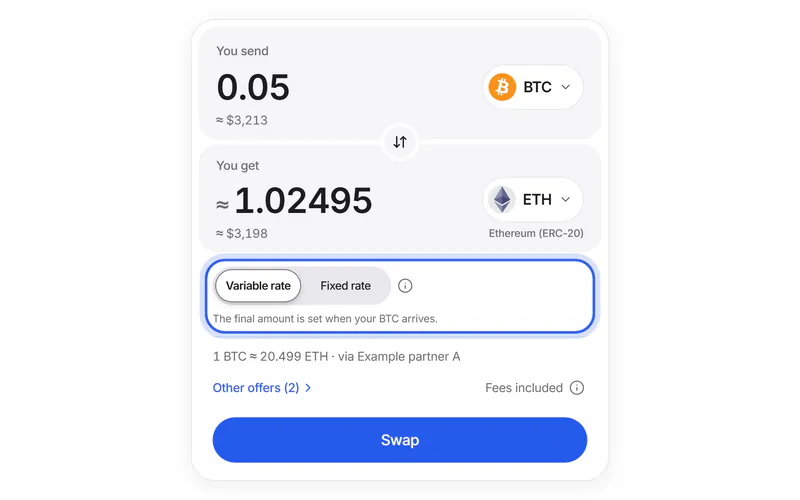
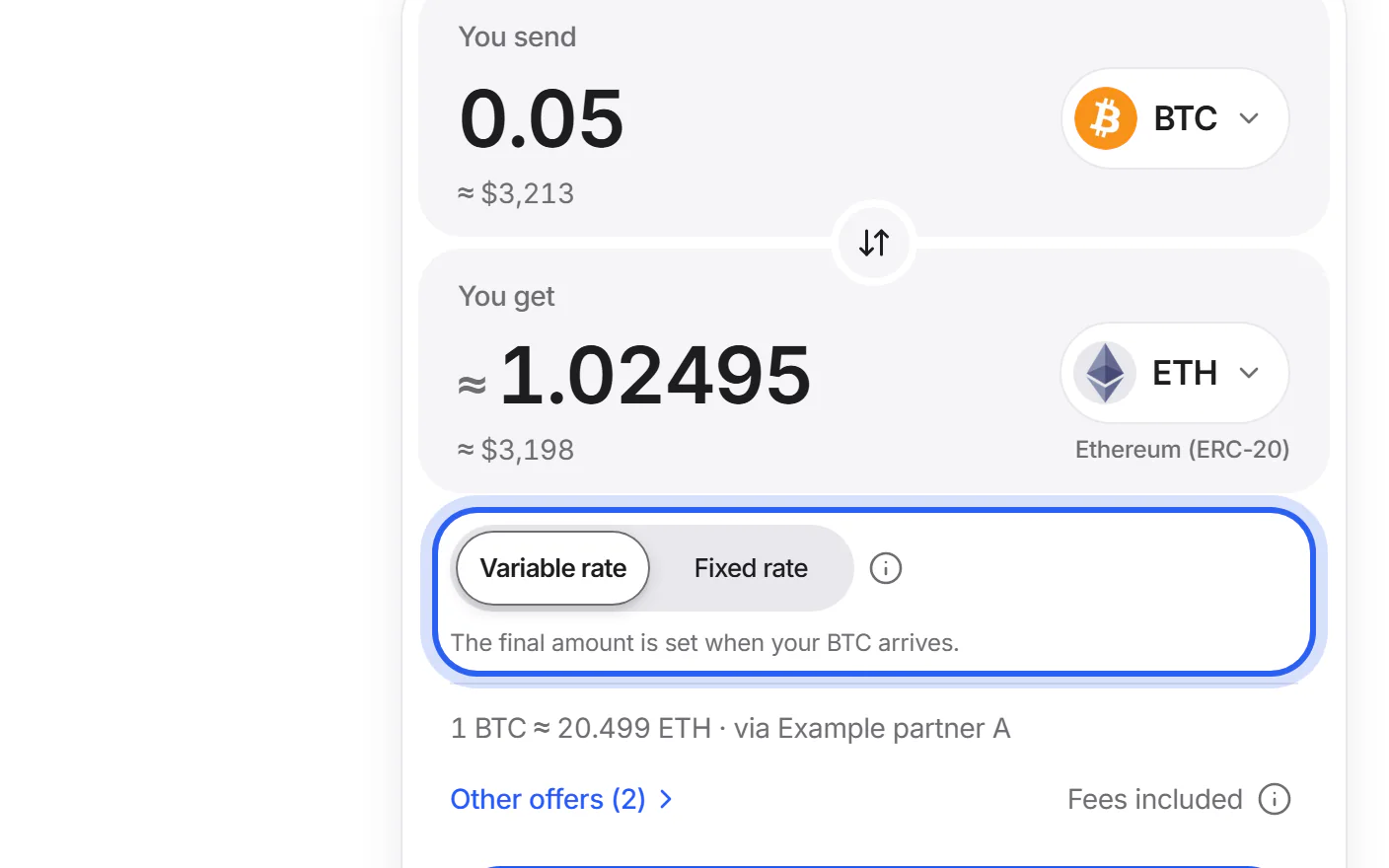
Step 1 Choose the variable rate
Exchange withdrawals can take longer than a fixed rate's time limit, for example when the exchange checks them first. A variable rate gives you more time.
Step 2 Open the exchange's withdrawal page
Choose the coin and the same network as on the Send screen. If the exchange wants new addresses added to an address book first, do that now.
Simplified drawing. Your wallet or exchange looks different. Step 3 Paste the address and the memo
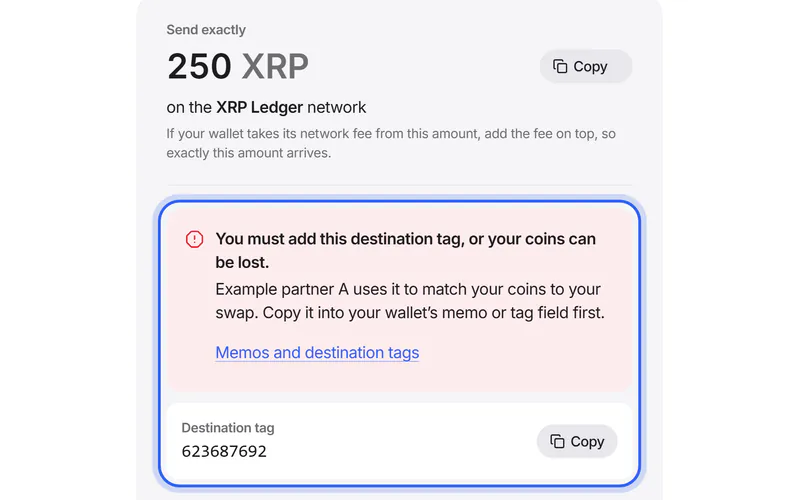
Paste the address from “To this address”. If the Send screen shows a memo, paste it into the exchange's memo or tag field.
Simplified drawing. Your wallet or exchange looks different. Step 4 Make sure the full amount arrives
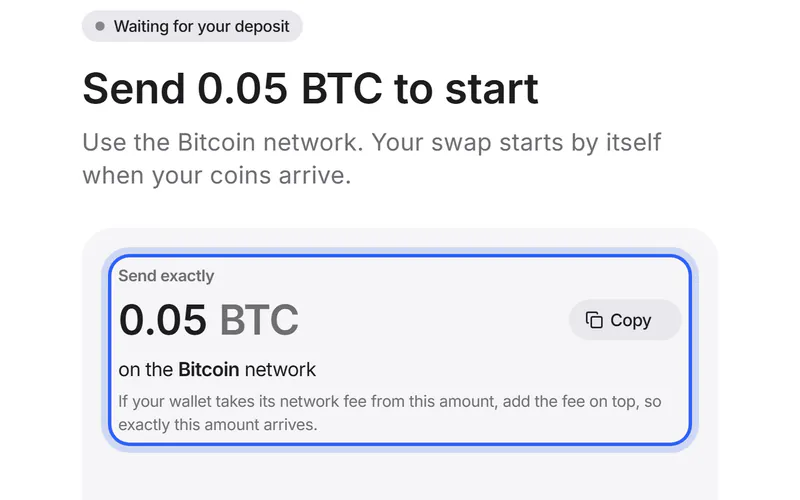
Many exchanges take their withdrawal fee from the amount you enter. Check the amount the exchange will actually send, and add the fee so it matches “Send exactly”.
Simplified drawing. Your wallet or exchange looks different. Step 5 Expect a short wait
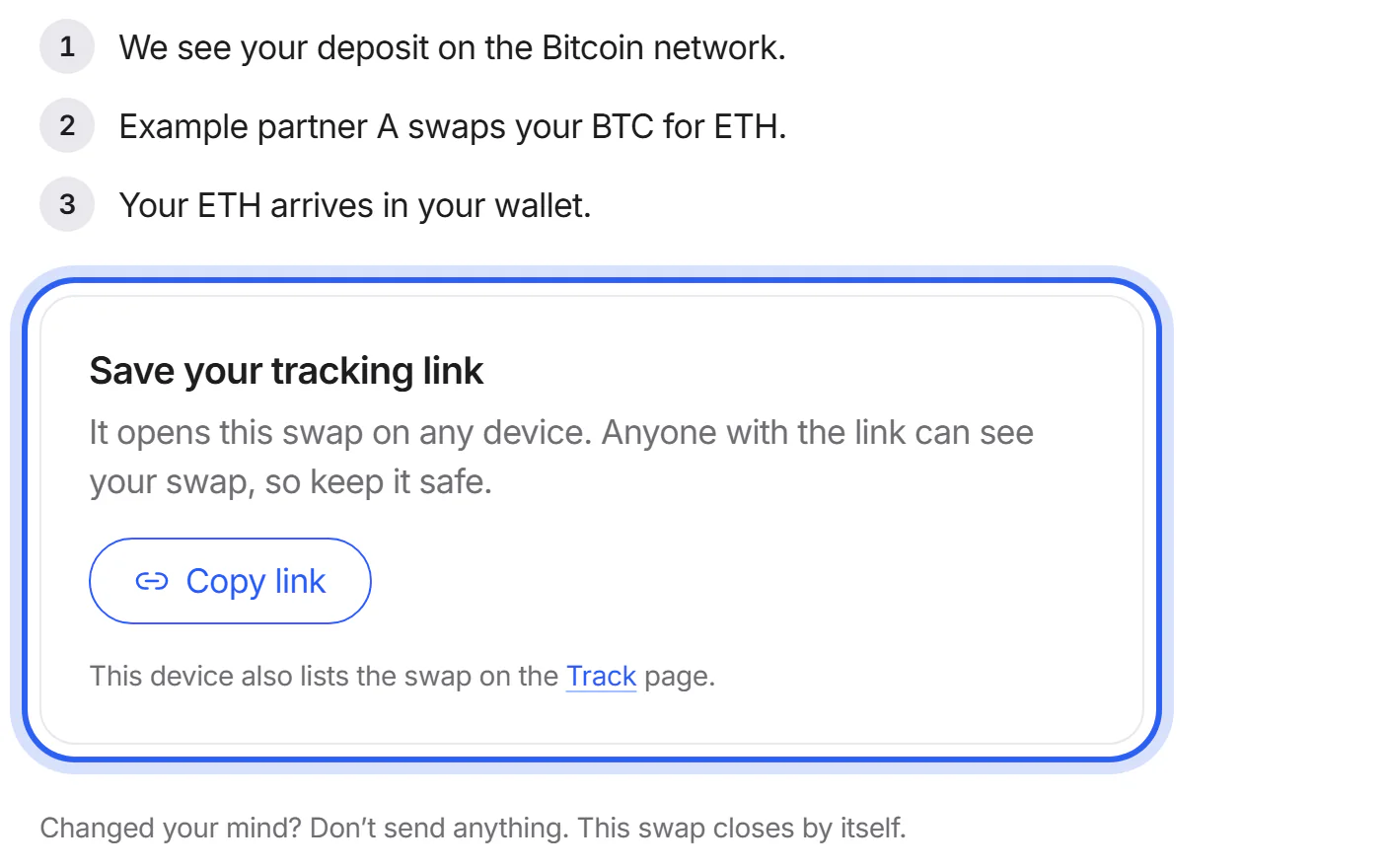
Exchanges may hold a withdrawal for a while before sending it. Your swap starts when the coins arrive, and its page updates by itself.


If something goes wrong
If the withdrawal is still pending at the exchange
Your swap starts when the coins arrive. On a fixed rate, the time limit may pass first; your swap's page then shows what happened and how to reach the partner.
What to do nowIf less arrived because of the exchange's fee
Don't send the difference. Your swap's page shows what arrived and what happens next.
What to do nowWas this helpful?
We only count the answer. No cookies, nothing personal.
Last updated October 16, 2026
Pictures show an example partner and example amounts.