Get a refund
When a partner refunds a swap, where the coins go, what a refund can cost and how to ask for one.
4 stepsReading time: about 3 minutes
Step by step
Step 1 Know when a refund happens
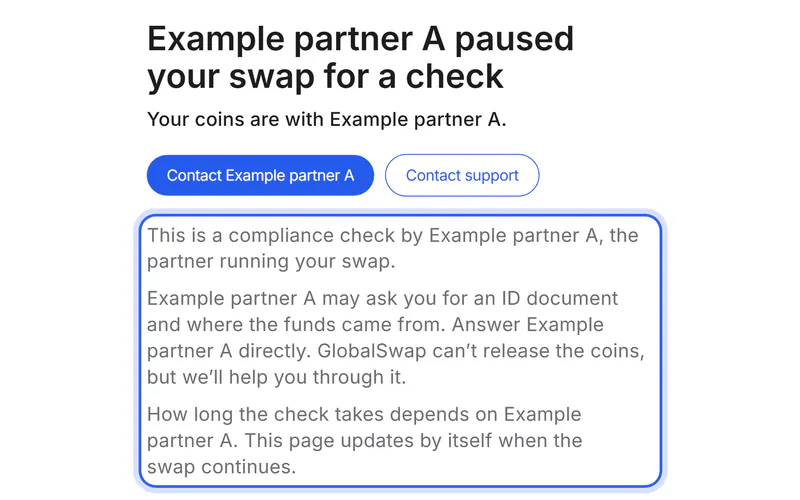
A partner refunds when it can't complete a swap, for example after a failed check or a deposit it can't use. Refunds come from the partner, never from GlobalSwap: we never hold your coins.
Step 2 Add a refund address before you swap
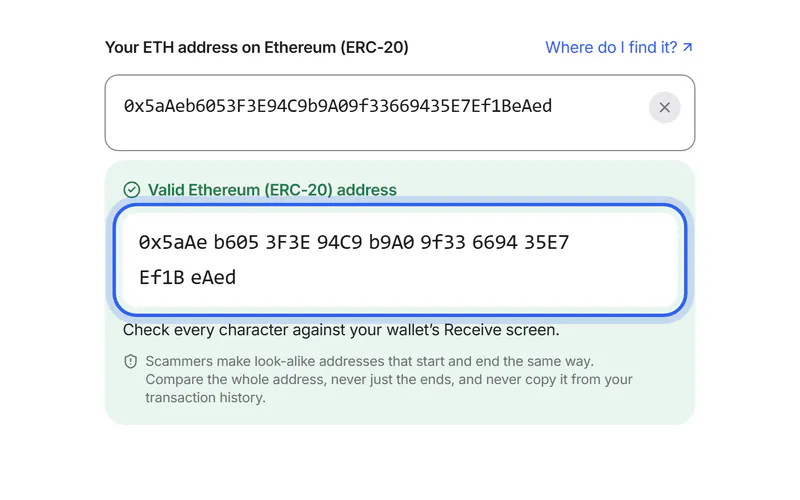
On the Swap details page, tap “Add a refund address” and paste an address of your own for the coin you send. Without one, the partner usually refunds to the address you sent from.
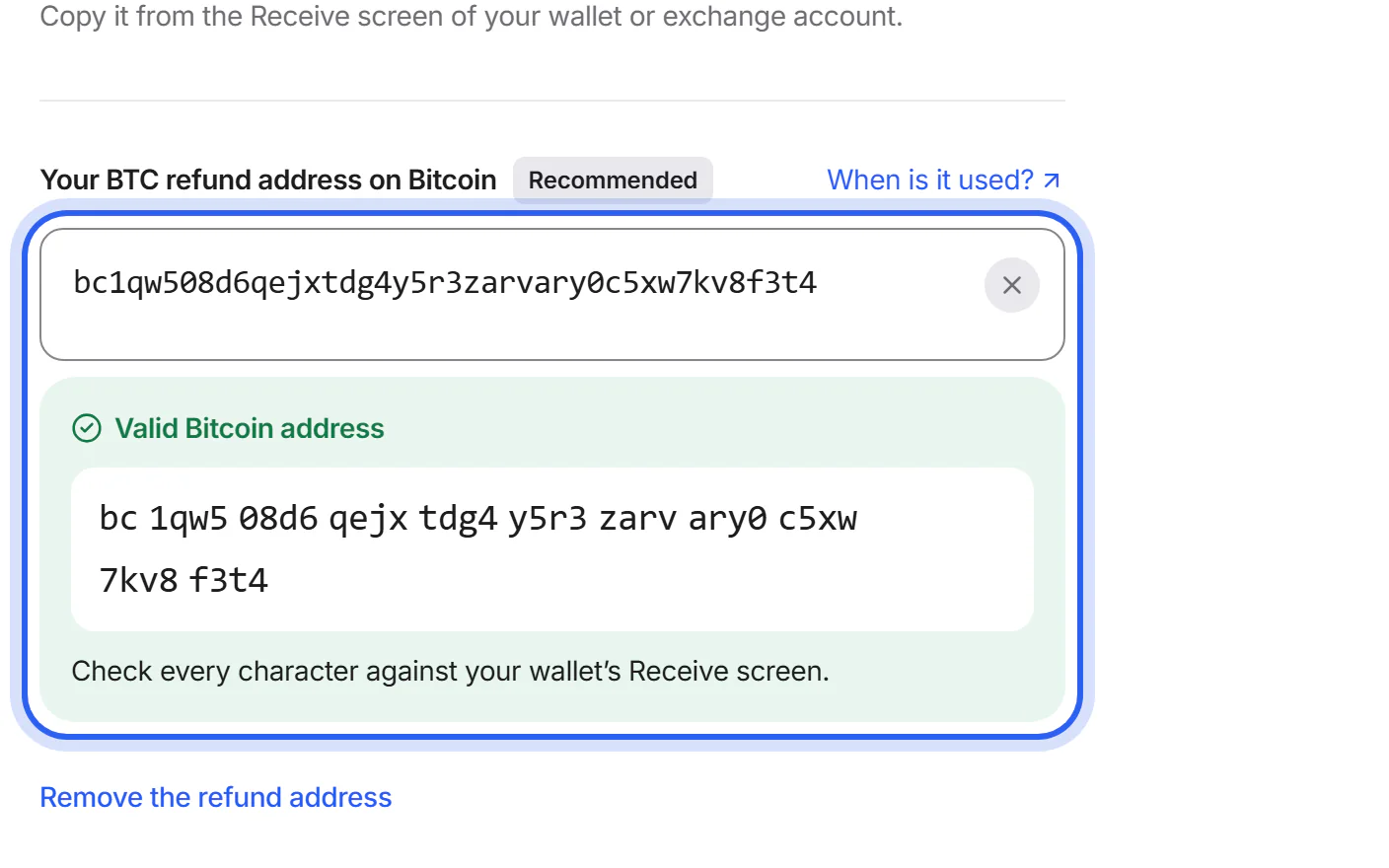
Step 3 Ask the partner for the refund
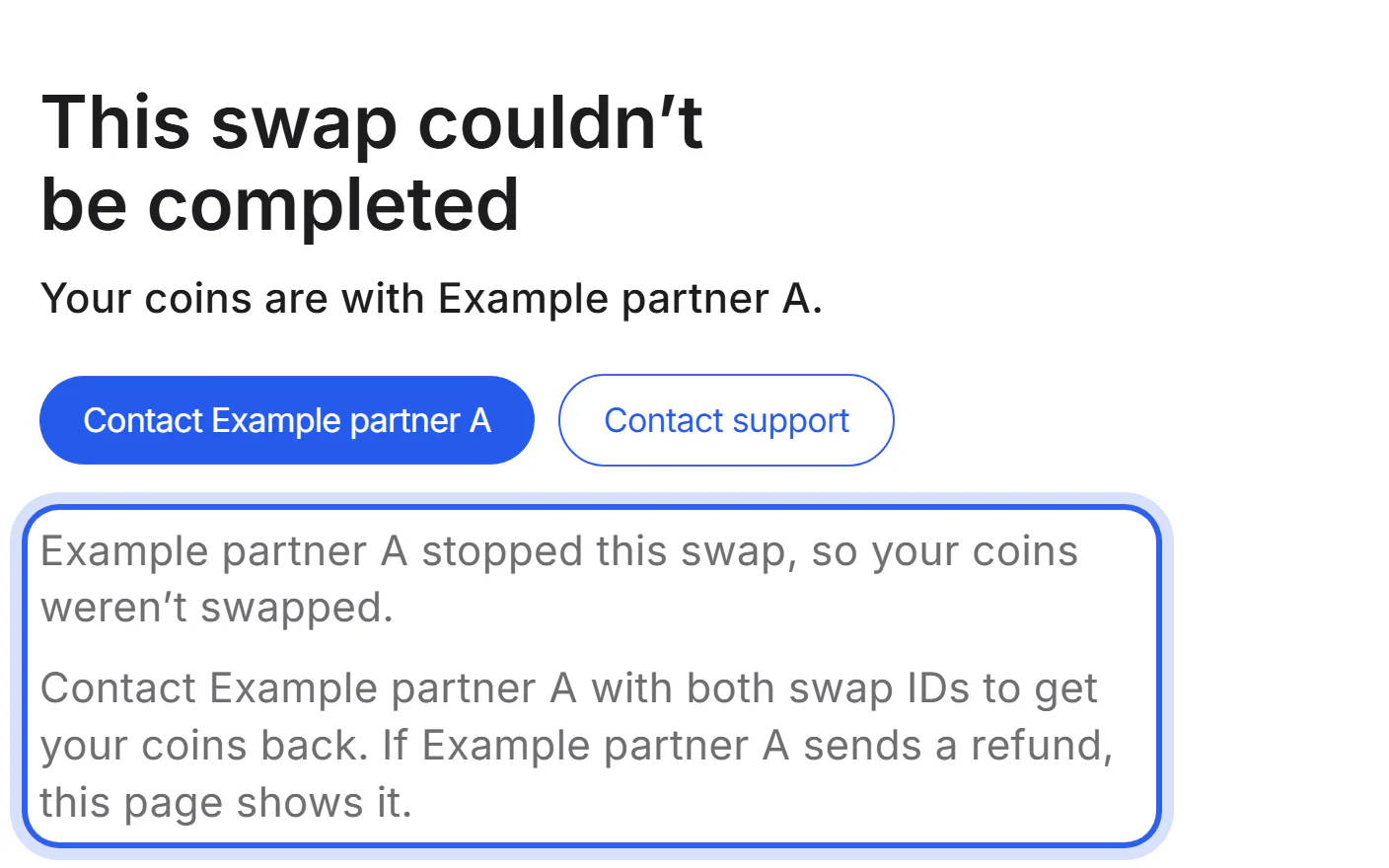
If your swap couldn't be completed, use the button on your swap's page to contact the partner with its swap ID. If you're unsure, send us a support request; we help you reach the partner.
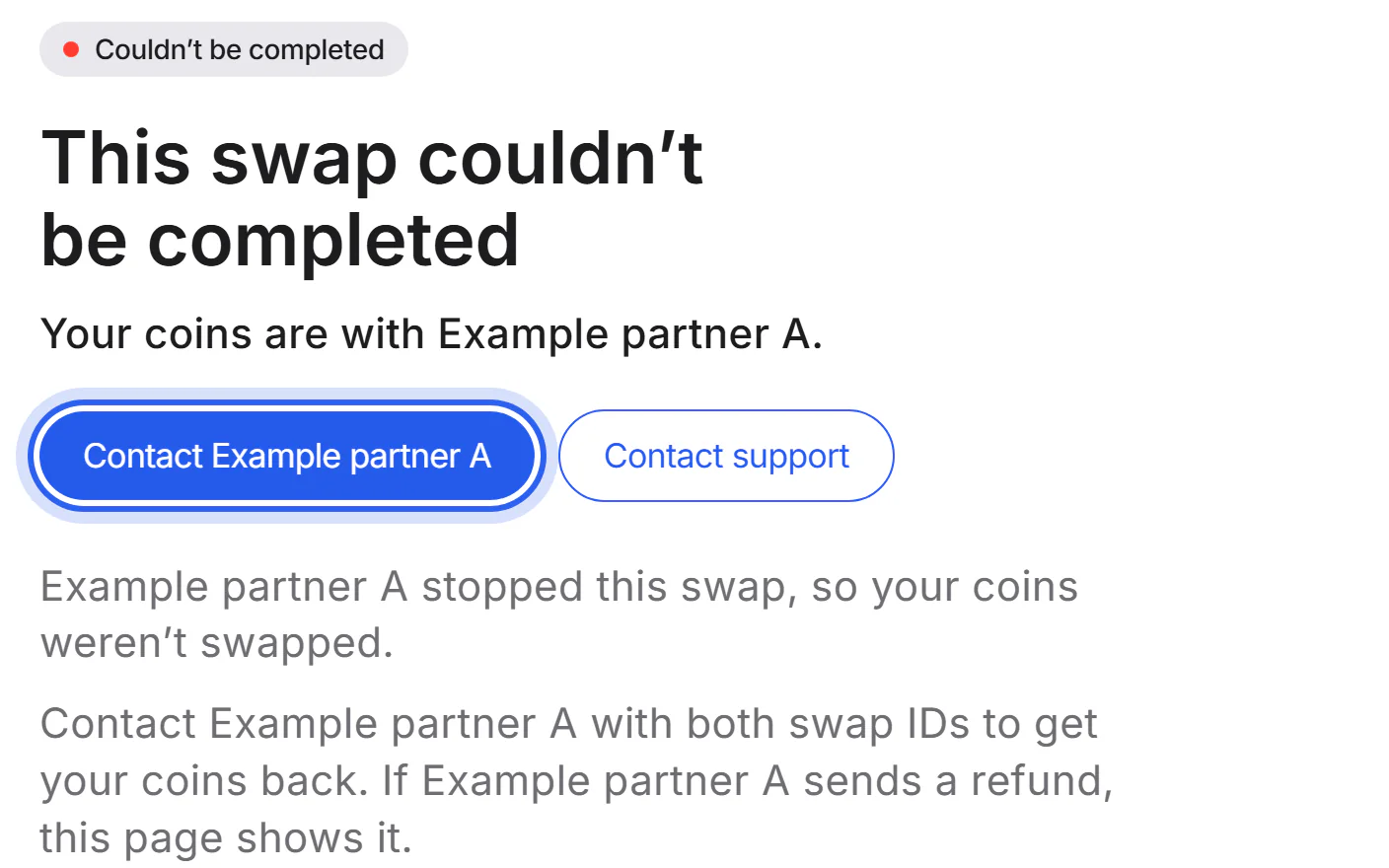
Step 4 See the refund
When the partner reports the refund, your swap's page says so and links to the refund transaction.
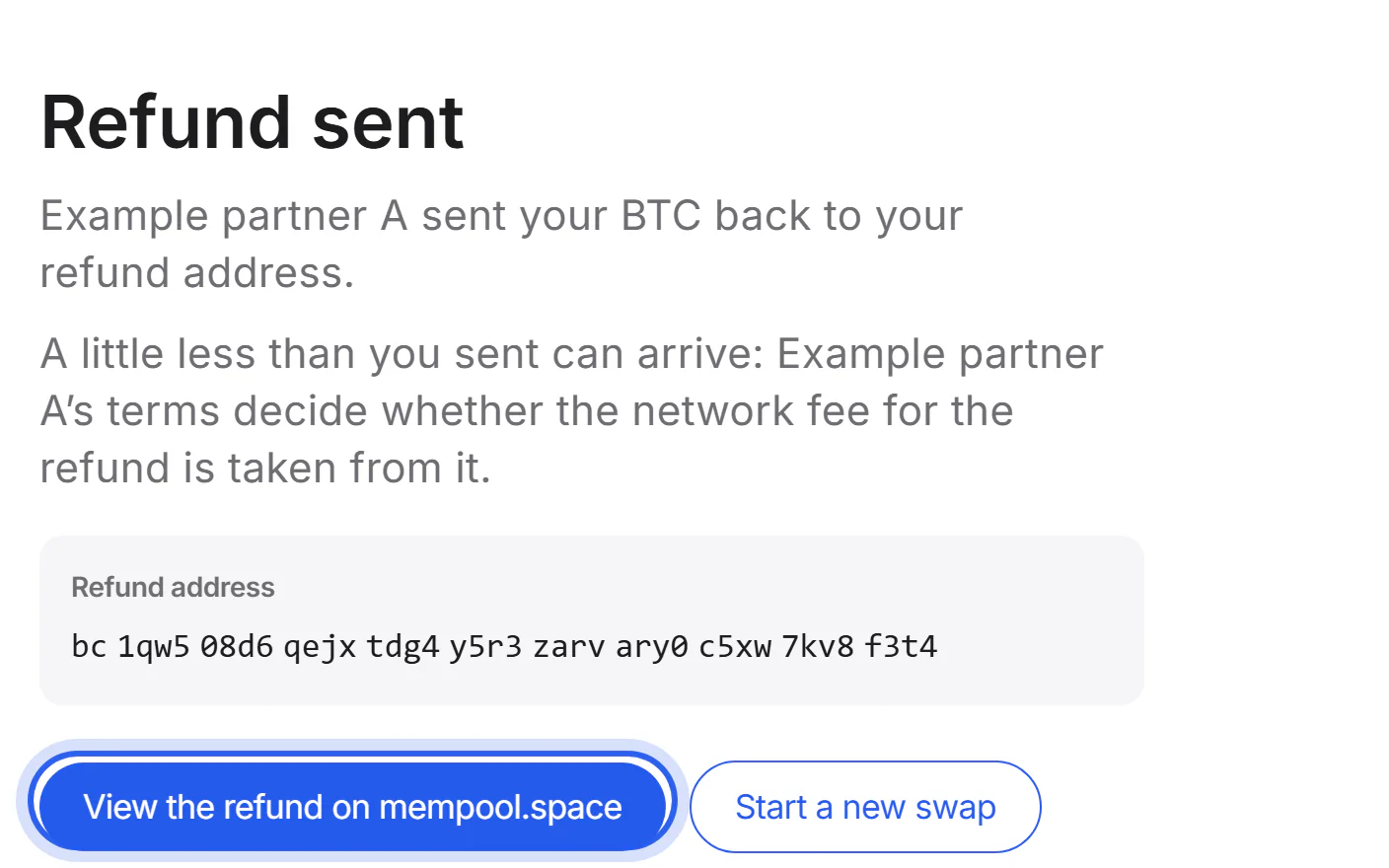


If something goes wrong
If you didn't enter a refund address
The partner usually refunds to the address you sent from. If that was an exchange account, send us a support request with your swap ID. We help you ask the partner, whose terms decide where it can refund.
If the refund hasn't arrived
Open the refund transaction from your swap's page. If it is confirmed, the coins are at the address it went to; an exchange may need time to credit them. If there is no refund transaction yet, contact the partner with its swap ID.
Was this helpful?
We only count the answer. No cookies, nothing personal.
Last updated October 16, 2026
Pictures show an example partner and example amounts.