How we compare offers and how we earn
Which partners we ask, how we sort their offers, and how GlobalSwap makes money.
4 stepsReading time: about 2 minutes
Step by step
Step 1 We ask every active partner
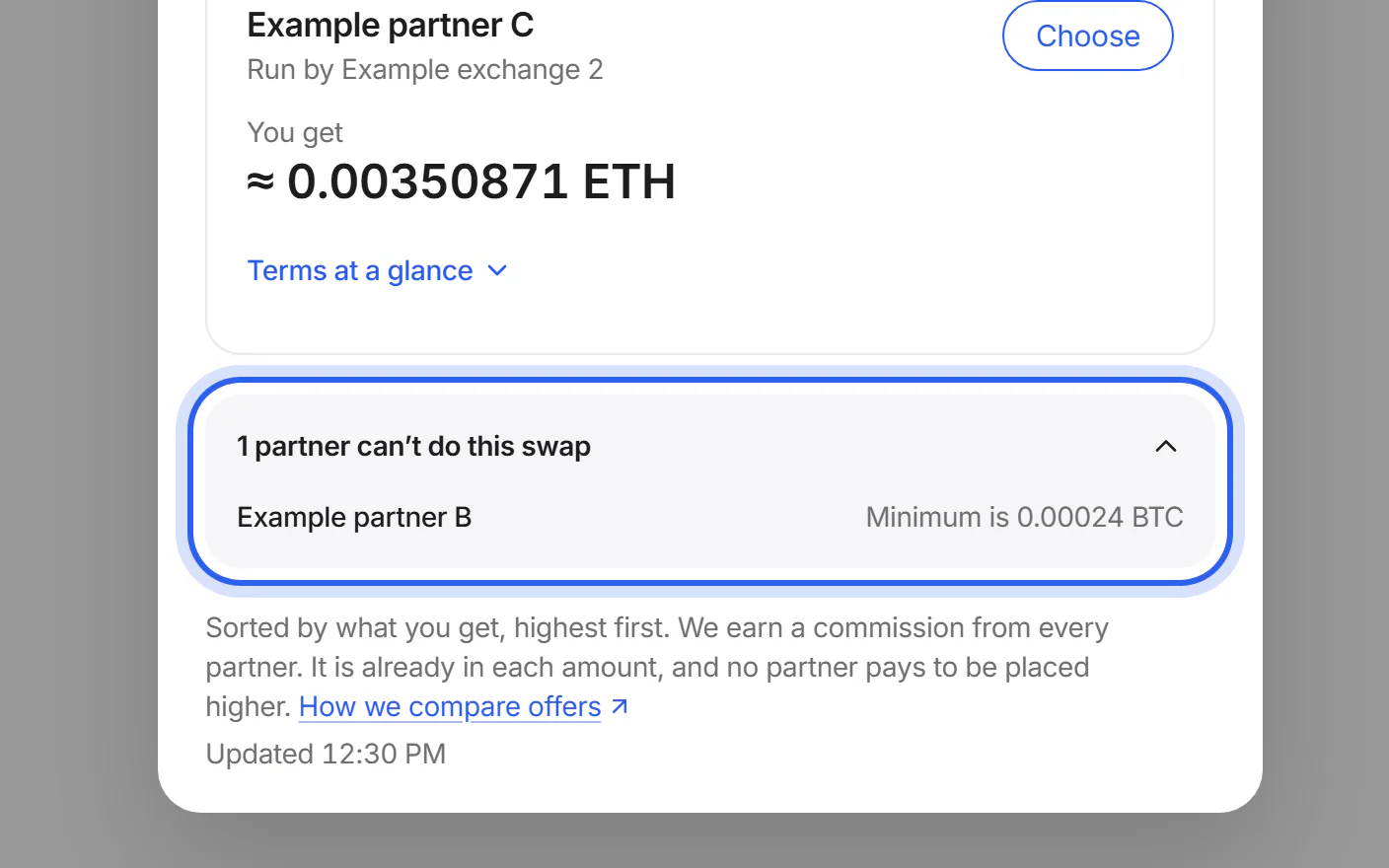
For your coins, networks and amount, we ask each active partner for an offer at the same time. Partners that can't do the swap are listed separately under “Other offers”, with the reason.
Step 2 We sort by what you get
Within the rate type you chose, offers are sorted by the amount you get, highest first. If two offers give exactly the same amount, they keep a fixed partner order. Nothing else changes the order.
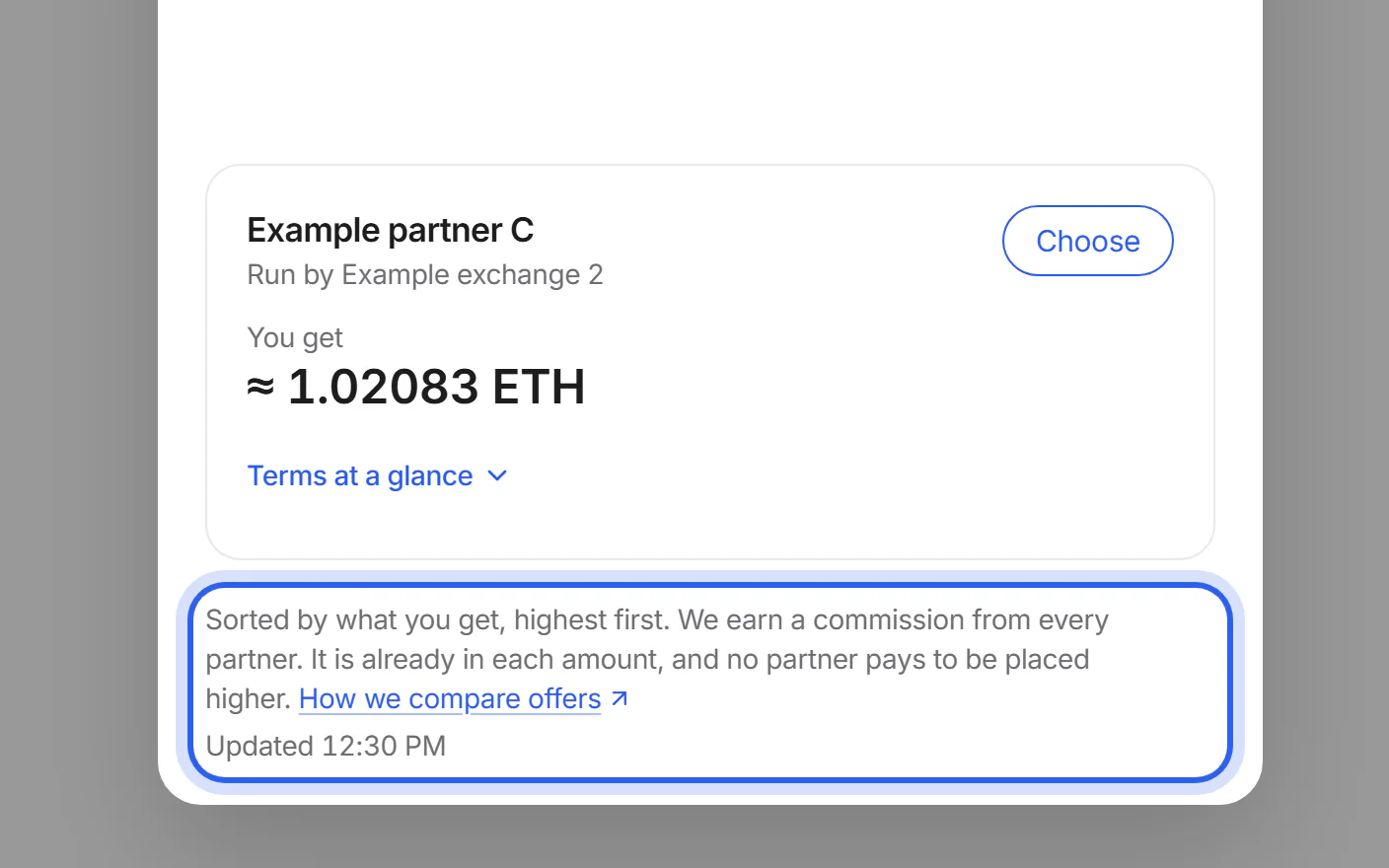
Step 3 The card shows the offer with the most coins
The swap card uses the top offer, and “Other offers” labels it “Most coins”. That is a fact about the amount, not a recommendation: also look at the typical time and the partner's terms.
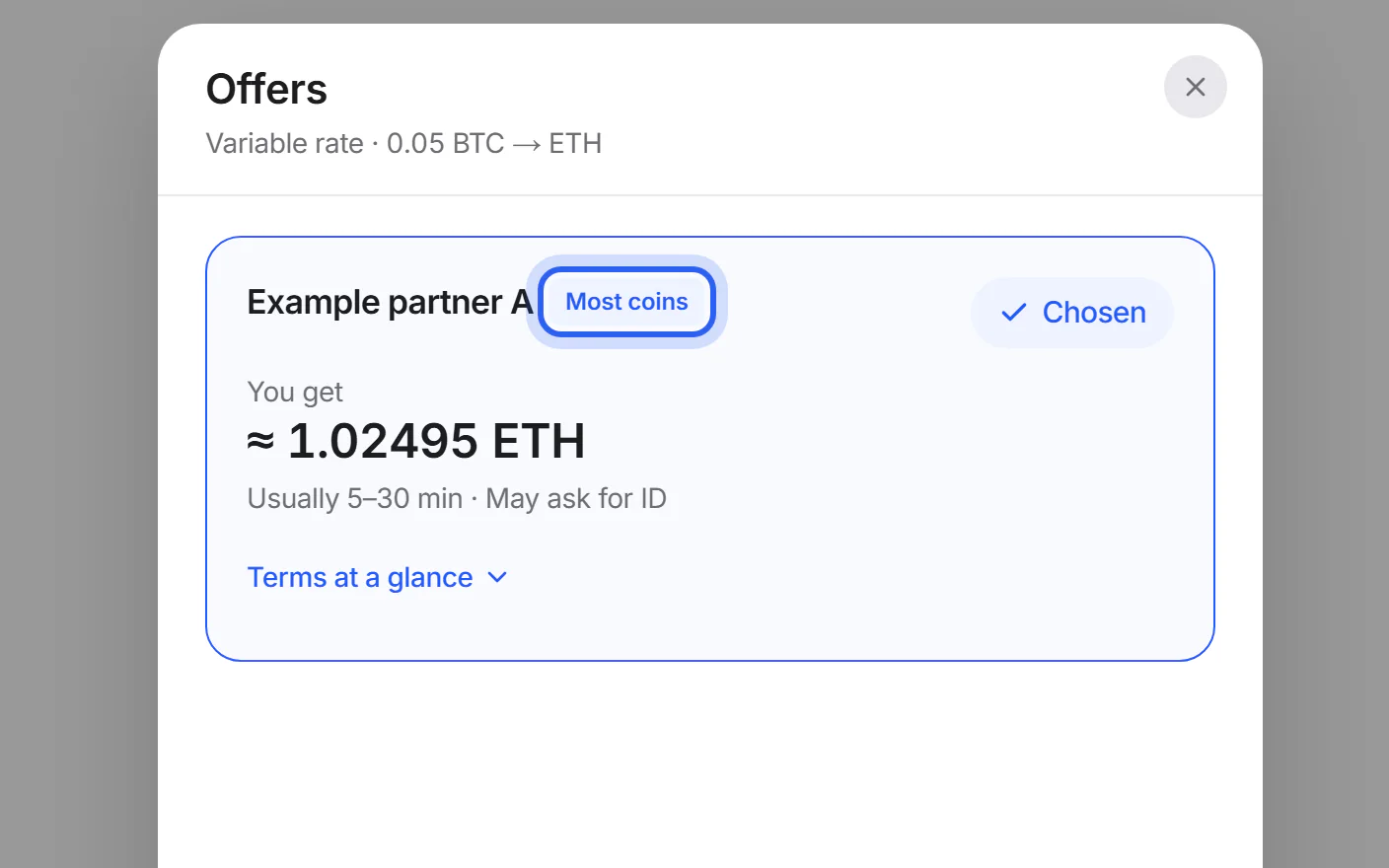
Step 4 You choose
You can choose any offer. “Terms at a glance” shows what we know about the partner's time limit, minimum and maximum amounts and identity checks. It also links to the partner's terms.
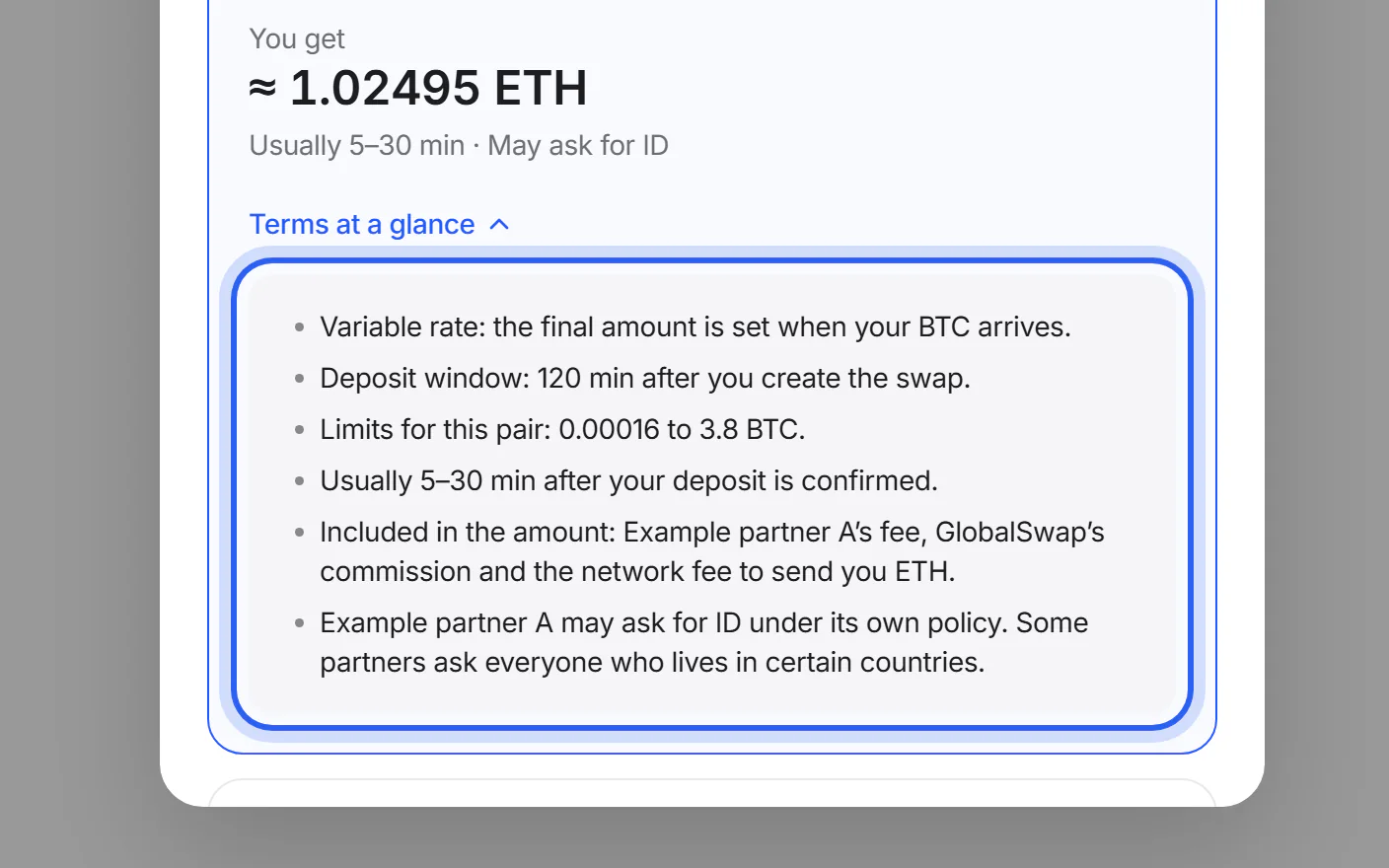


If something goes wrong
If a partner you know isn't listed
It may not support your coins, network or amount right now, or it may be paused or closed. The status page shows each partner's state.
Partner statusWas this helpful?
We only count the answer. No cookies, nothing personal.
Last updated October 17, 2026
Pictures show an example partner and example amounts.